




Digital Math for Kindergarten | Skip Counting | Enrichment & Extention
Number of Pages: 58
File Type(s):
- Google Apps
$7.00
Why buy on my website
- Prices in Canadian dollars, so there’s no currency conversion on your card
- Digital lessons open as your own copy. No Google Drive access needed
- Early access to new releases for website customers
- Made by a former Ontario Kindergarten teacher and a small Canadian business
Save with a Bundle!
This product can also be found in:
-
Sale!
Ontario Kindergarten Math System | Year-Long Curriculum | Printable + Digital
Original price was: $478.00.$260.00Current price is: $260.00. -
Sale!
Year-Long Digital Kindergarten Math | Google Slides™ Math Bundle
Original price was: $185.00.$109.00Current price is: $109.00.


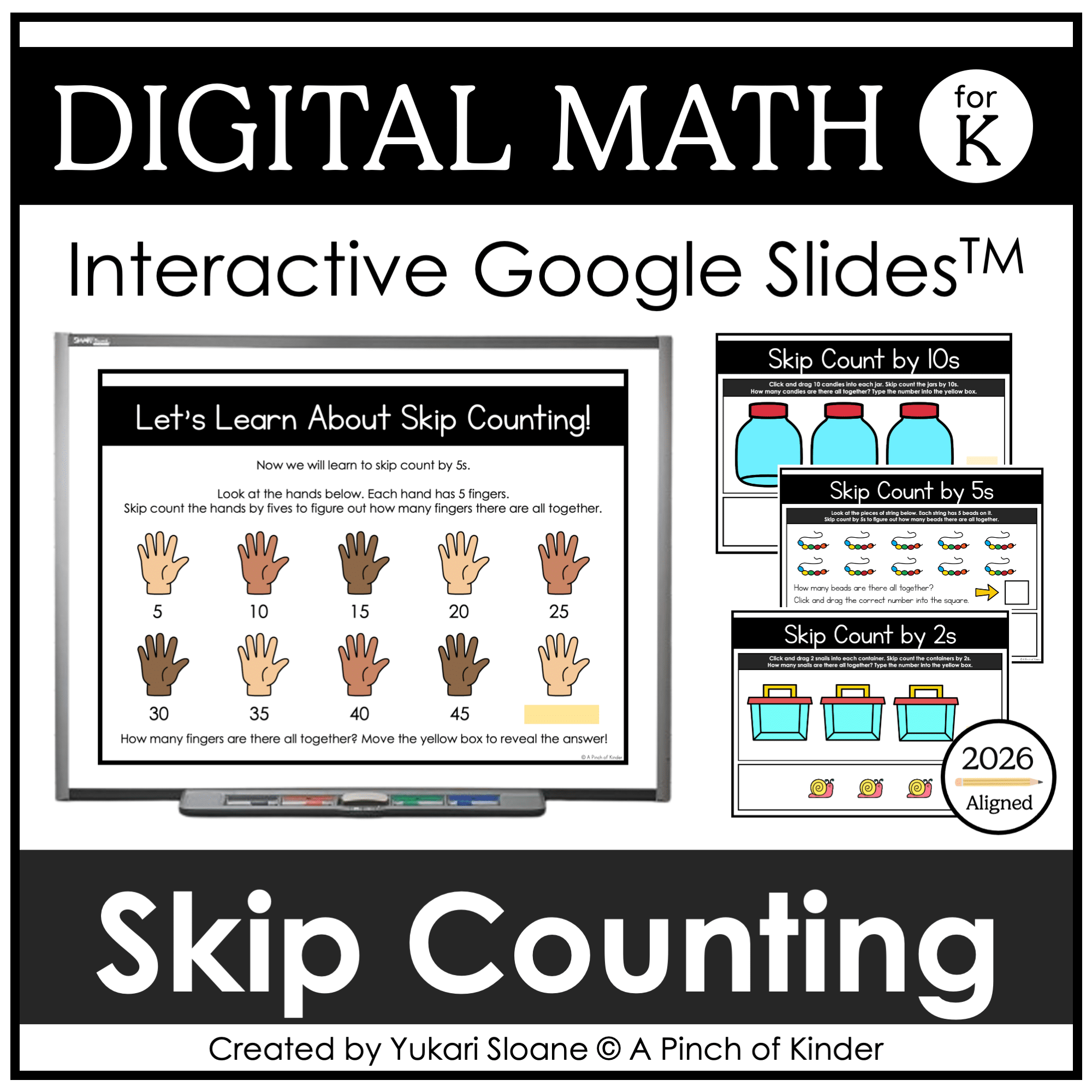
Kindergarten Digital Skip Counting Activities – Enrichment & Extension for Google Slides™
Looking for engaging skip counting activities to challenge advanced Kindergarten learners?
While skip counting is no longer a required expectation in the Ontario 2026 Kindergarten curriculum, many teachers still choose to introduce it as:
✔ Enrichment for strong number sense students
✔ A bridge to Grade 1 math
✔ Small-group intervention for students ready for more
This interactive Google Slides™ resource gives students hands-on drag-and-drop practice skip counting by 10s, 5s, and 2s.
Perfect for enrichment blocks, math centres, or challenge groups.
Perfect For:
✔ Digital math centres
✔ Small-group enrichment
✔ Early finishers
✔ Whole-group modeling on SMARTBoard
✔ Google Classroom assignments
✔ Distance or hybrid classrooms
What’s Included
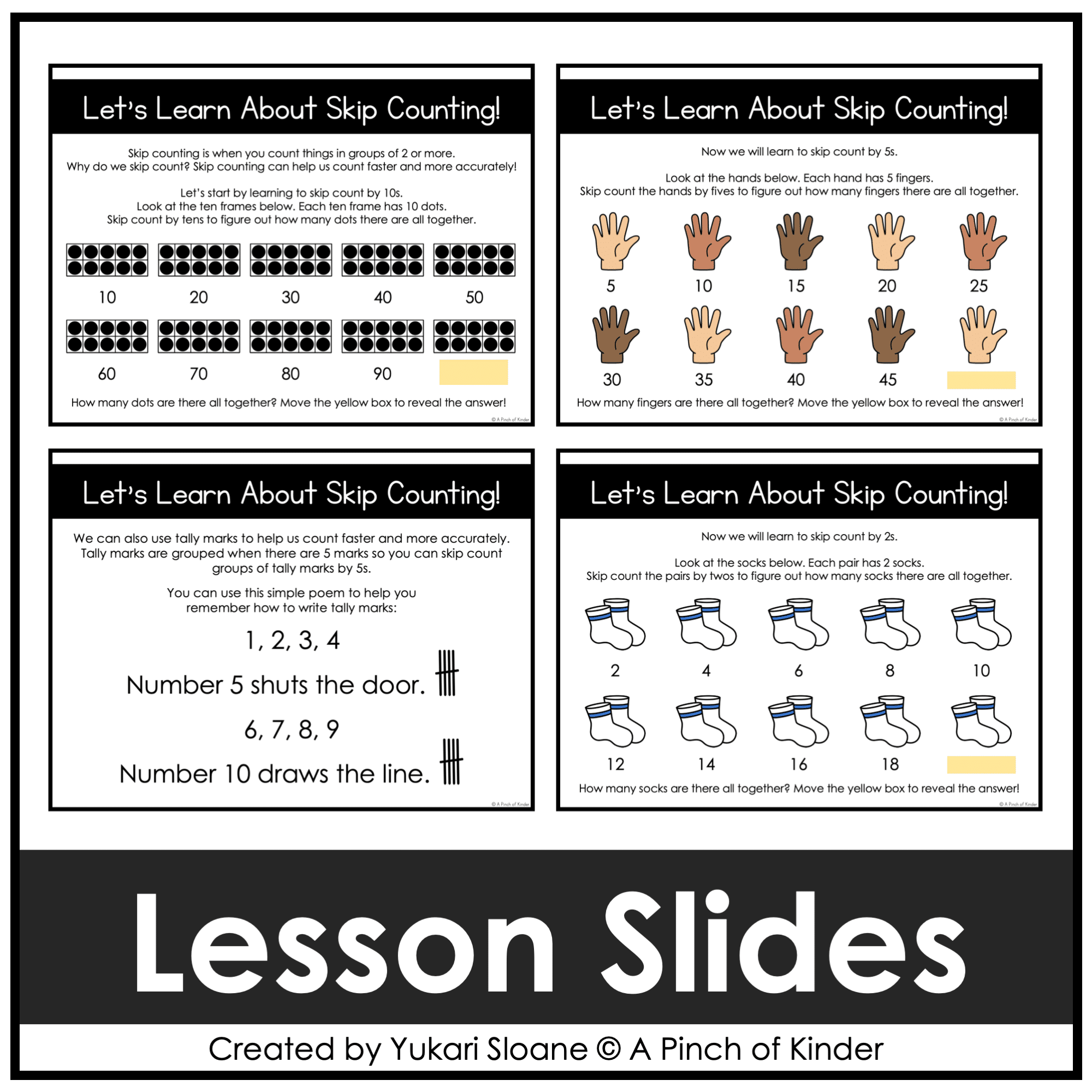
⭐ Let’s Learn About Skip Counting (Slide 1)
Direct instruction slide introducing skip counting by 10s and how it connects to grouping.
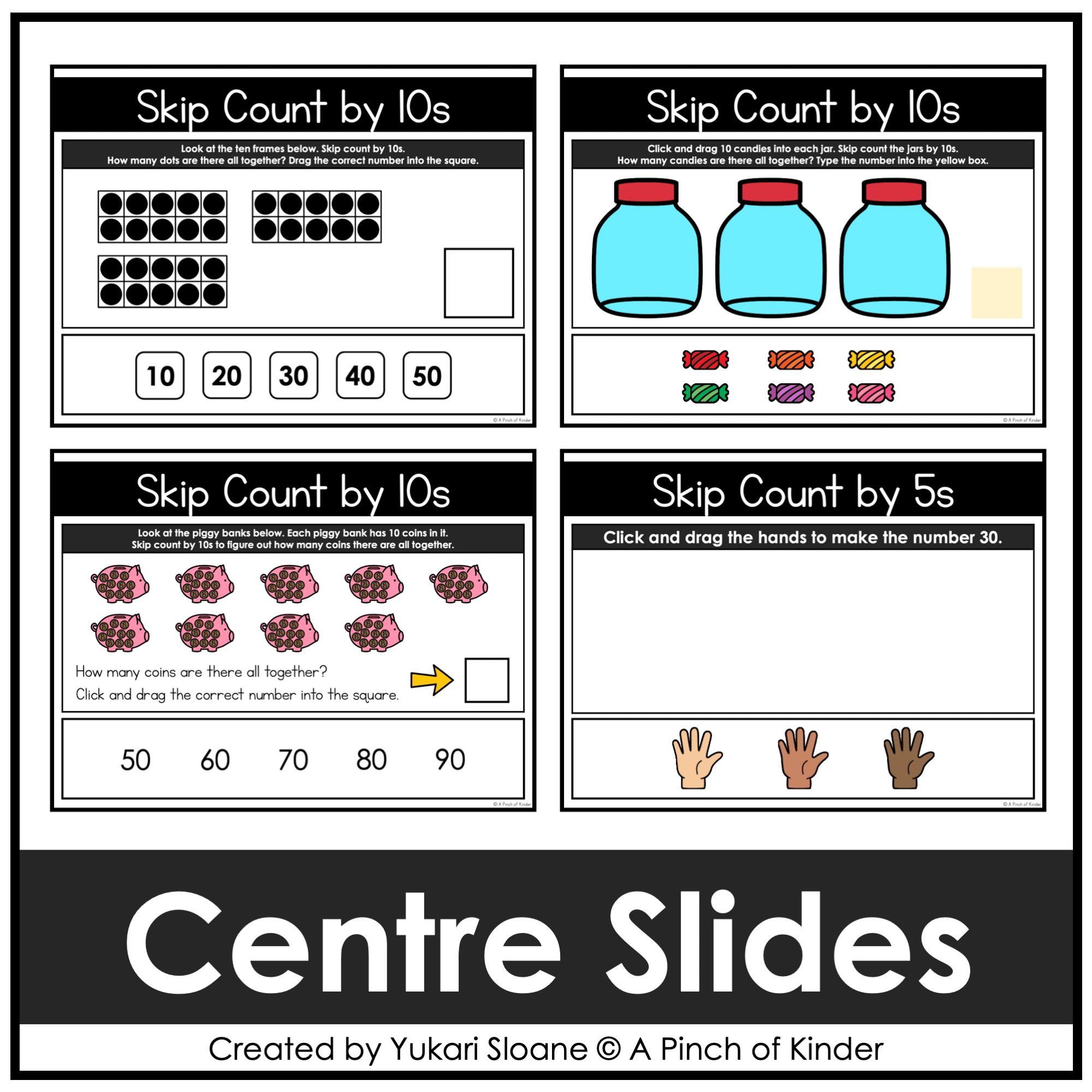
Skip Counting by 10s
⭐ Activity #1 (Slides 2–10)
Students:
- Look at ten frames
- Skip count by 10s
- Drag the correct total (10–100) into the box
Builds place value awareness and grouping understanding.
⭐ Activity #2 (Slides 11–12)
Students:
- Drag 10 items into each jar
- Skip count the jars
- Type the total
⭐ Activity #3 (Slides 13–14)
Students:
- Observe grouped sets of 10
- Skip count to determine the total
- Drag the correct answer
⭐ Let’s Learn About Skip Counting by 5s (Slide 15)
Direct instruction slide introducing counting by 5s.
Skip Counting by 5s
⭐ Activity #1 (Slides 16–24)
Students:
- Drag hands to represent multiples of 5
- Skip count from 5–50
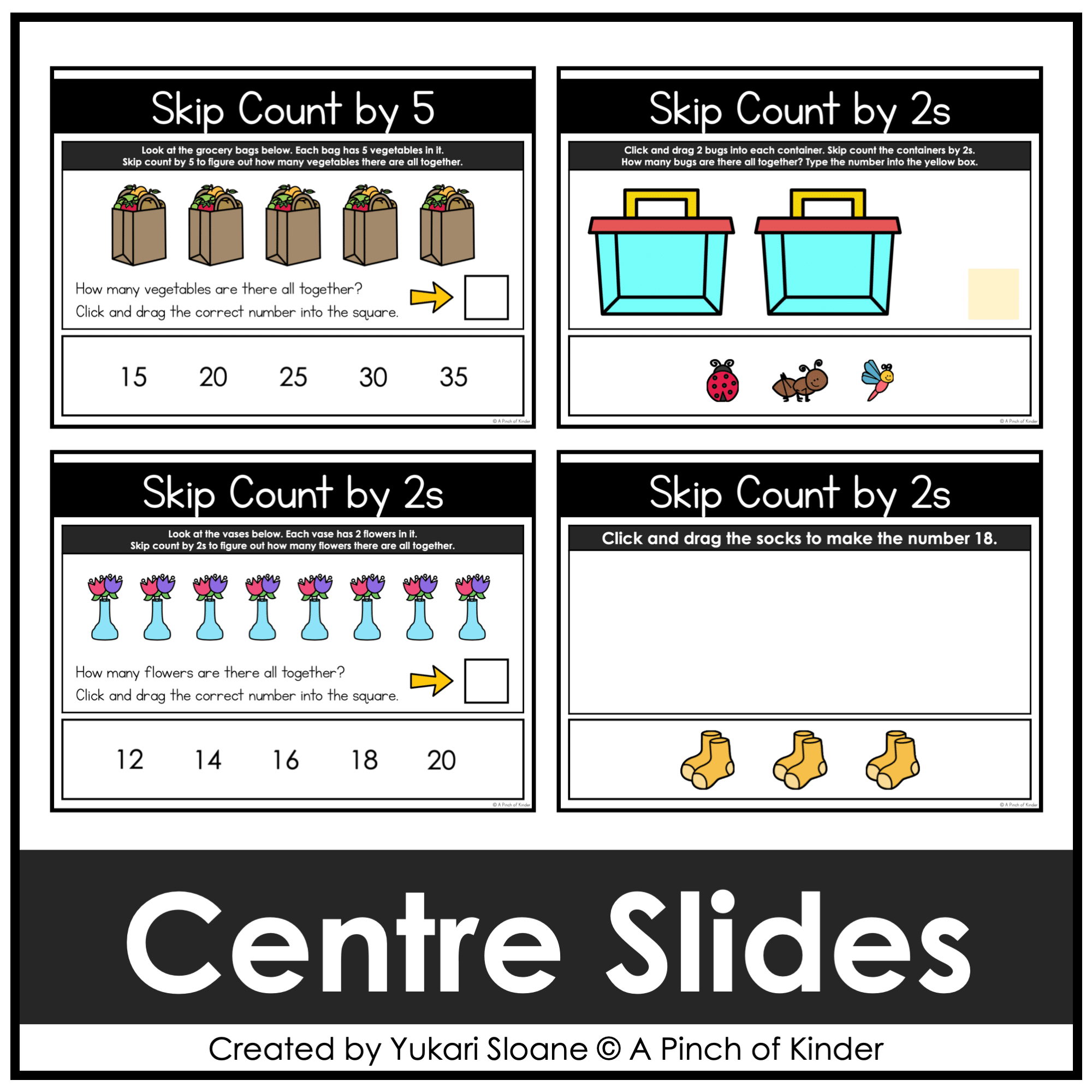
⭐ Activity #2 (Slides 25–30)
Students:
- Look at visual groups
- Skip count by 5s
- Drag the correct total
⭐ Activity #3 (Slides 31–40)
Students:
- Learn how tally marks connect to grouping by 5
- Drag tally marks to represent numbers 5–50
Reinforces number relationships and grouping structures.
⭐ Let’s Learn About Skip Counting by 2s (Slide 41)
Direct instruction slide introducing counting by 2s.
Skip Counting by 2s
⭐ Activity #1 (Slides 42–43)
Students:
- Add 2 items to each container
- Skip count by 2s
- Type the total
⭐ Activity #2 (Slides 44–49)
Students:
- Observe paired objects
- Skip count by 2s
- Drag the correct number
⭐ Activity #3 (Slides 50–58)
Students:
- Drag items in pairs
- Build numbers from 2–20
- Reinforce even-number thinking
Why Teachers Love This Resource
✔ No prep — just assign or project
✔ Engaging drag-and-drop format
✔ Strong number sense extension
✔ Builds grouping & multiplication readiness
✔ Great for differentiation
✔ Easy enrichment without extra planning
Curriculum Note:
Skip counting is not explicitly included in the 2026 Ontario Kindergarten curriculum.
This resource is designed as an enrichment and extension tool for students who are ready for advanced number work or preparing for Grade 1 expectations.
Tech Tips:
- Use in EDIT mode (not Present mode) so movable pieces work.
- If assigning in Google Classroom, students using iPads/tablets must have the Google Slides app installed to manipulate pieces.
- You may also download as a PowerPoint file to use on a SMARTBoard.
Try Before You Buy!
Not sure if this format works for you?
Grab my FREE Digital Math for Kindergarten | Tally Marks | Google Slides™ to try it for free first.
If you love this resource, be sure to check out my other Digital Math for Kindergarten activities or my complete year-long digital math program💛
Only logged in customers who have purchased this product may write a review.



Reviews
There are no reviews yet.