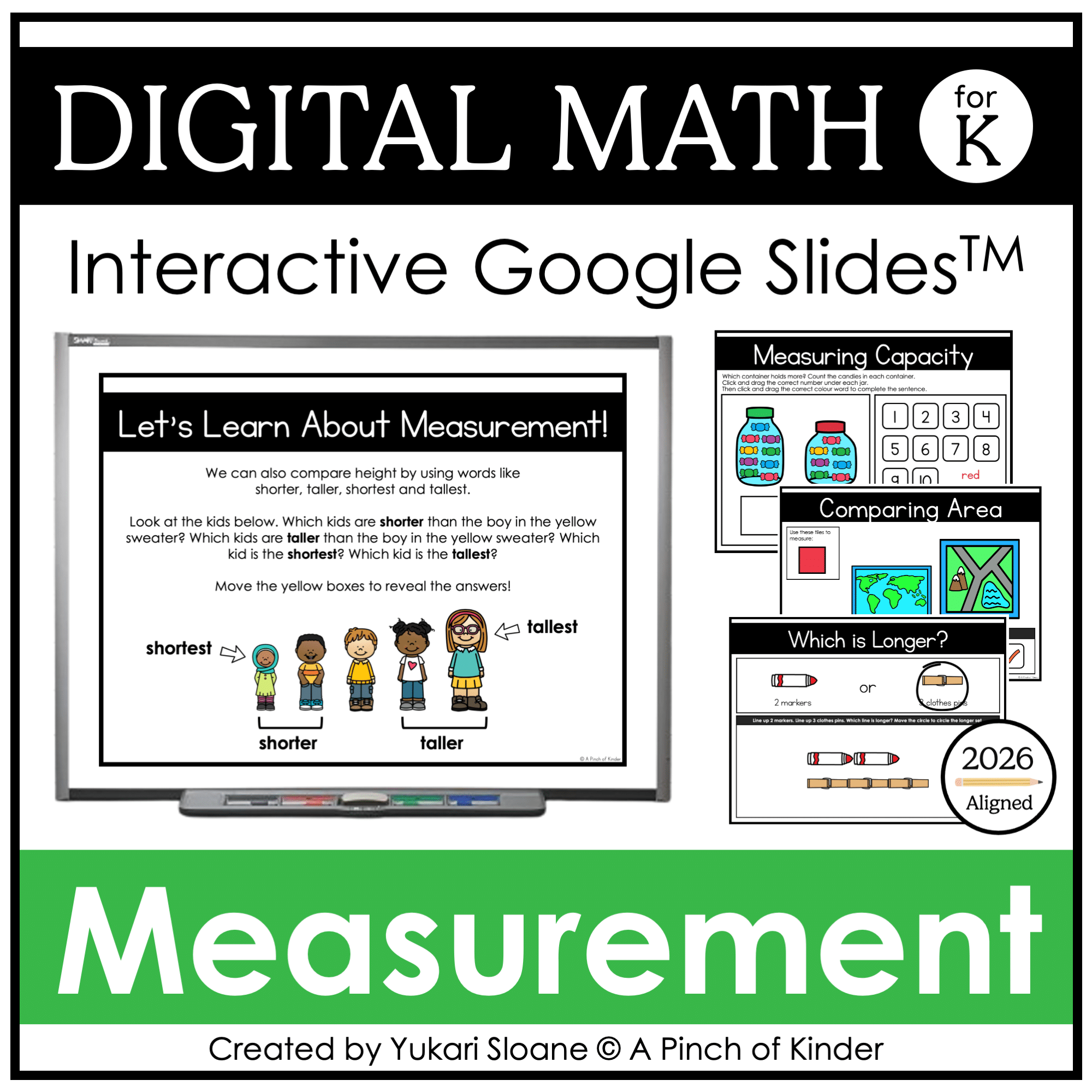


Digital Math for Kindergarten | Non-Standard Measurement | Google Slides™
Number of Pages: 53
File Type(s):
- Google Apps
$8.25
Why buy on my website
- Prices in Canadian dollars, so there’s no currency conversion on your card
- Digital lessons open as your own copy. No Google Drive access needed
- Early access to new releases for website customers
- Made by a former Ontario Kindergarten teacher and a small Canadian business
Save with a Bundle!
This product can also be found in:
-
Sale!
Ontario Kindergarten Math System | Year-Long Curriculum | Printable + Digital
Original price was: $478.00.$260.00Current price is: $260.00. -
Sale!
Ontario Kindergarten Digital Math Bundle | Term 1 Google Slides™ Lessons
Original price was: $66.00.$52.00Current price is: $52.00. -
Sale!
Year-Long Digital Kindergarten Math | Google Slides™ Math Bundle
Original price was: $185.00.$109.00Current price is: $109.00.


Digital Math for Kindergarten | Non-Standard Measurement | Google Slides™
Teach measurement in Kindergarten with interactive Google Slides activities that invite children to compare, measure, predict, and explain their thinking.
Students explore length, height, area, capacity, and mass by dragging objects, sorting pictures, covering surfaces with square tiles, measuring with non-standard units, and interpreting balance scales.
Updated with a new area section and a capacity teaching slide. General size and temperature activities have been removed from the updated version.
Use These Slides For:
- Digital math centres
- Google Classroom assignments
- Whole-group instruction on an interactive whiteboard
- Teacher-led lessons using a projector
- Small-group practice
- Virtual or hybrid learning
Pair the digital activities with real classroom objects, square tiles, containers, and a balance scale so children can test their ideas through hands-on exploration.
Students Will Practise:
- Comparing length and height using longer, shorter, taller, shortest, and longest
- Exploring length measurement with non-standard units
- Describing area as how much space a flat shape or surface covers
- Covering and comparing surfaces using same-sized square tiles
- Recognizing that differently shaped surfaces can have the same area
- Describing capacity as how much a container can hold
- Comparing containers using holds more and holds less
- Comparing mass using heavy, light, heavier, and lighter
- Explaining how they know
What’s Included:
The updated deck includes 55 teaching and activity slides, plus a curriculum-update note.
Comparing Length & Height
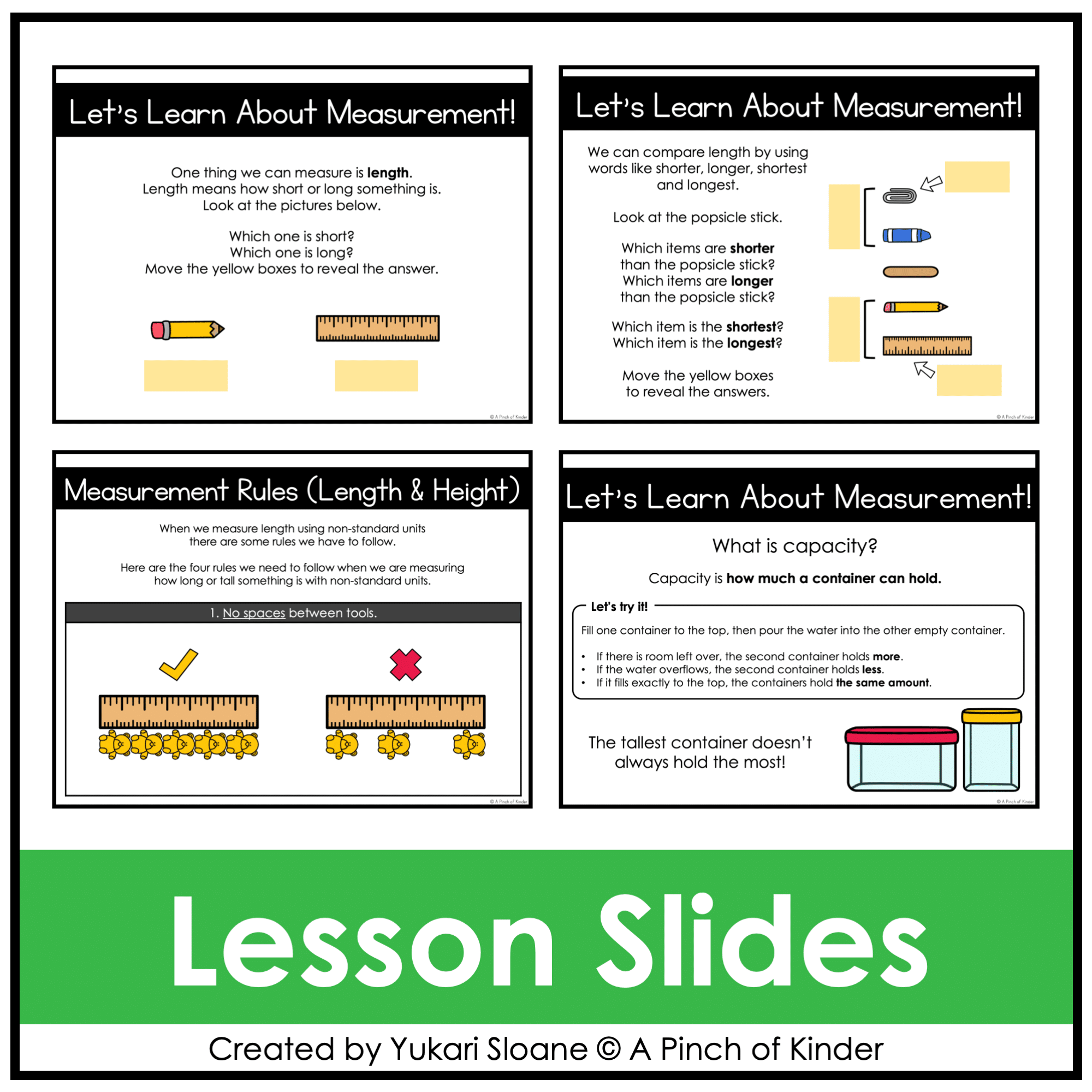
- Lesson slides introducing length and height vocabulary
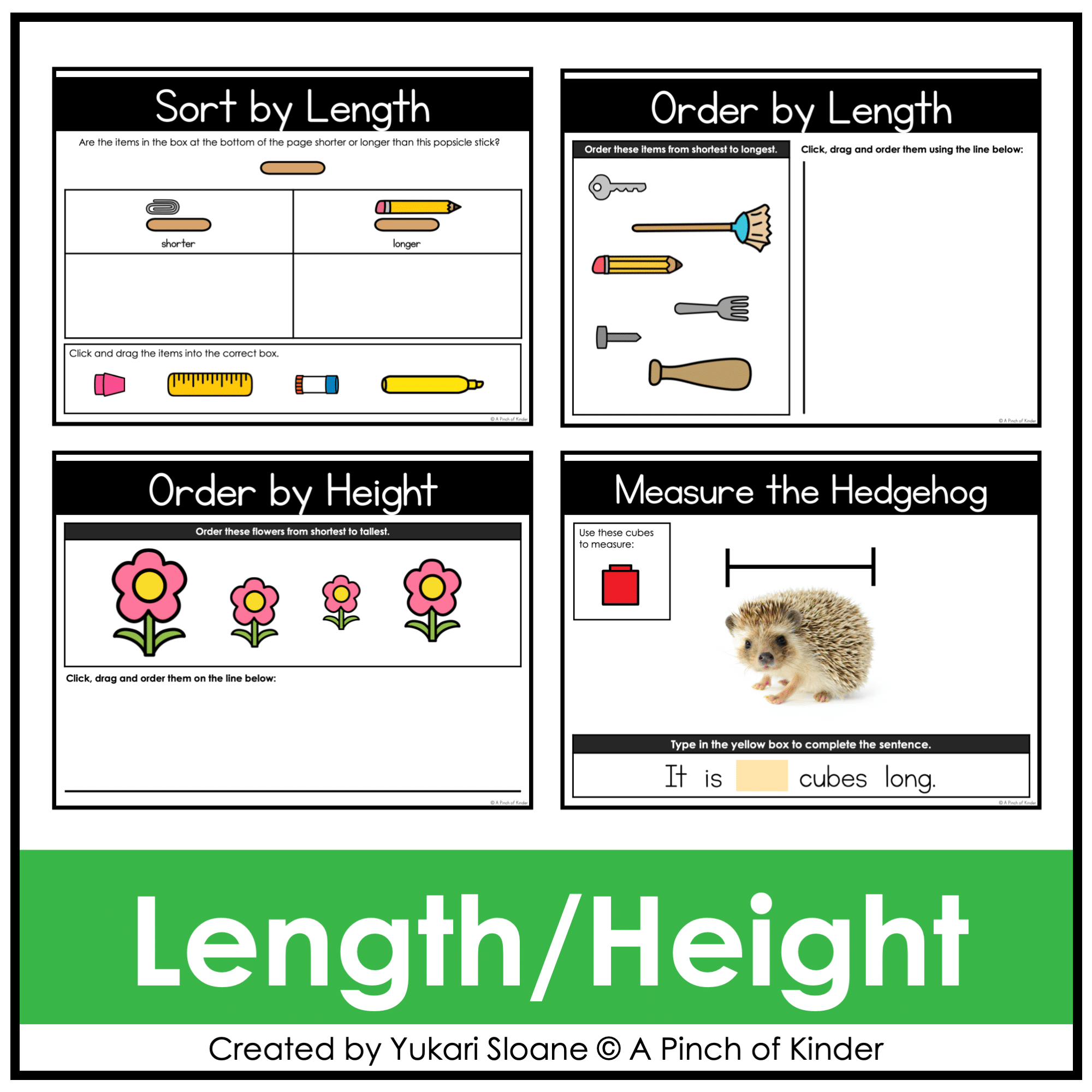
- Sort by Length activities
- Ordering activities from shortest to longest and shortest to tallest
Measuring Length with Non-Standard Units
- Teaching slides introducing non-standard measurement
- Visual examples of measuring with same-sized units, leaving no gaps, measuring end to end, and keeping units in a straight line
- Measure objects with cubes activities, with and without measurement guides
- Which Is Longer? comparison activities
Exploring Area
- Teaching slides introducing area and measuring with square tiles
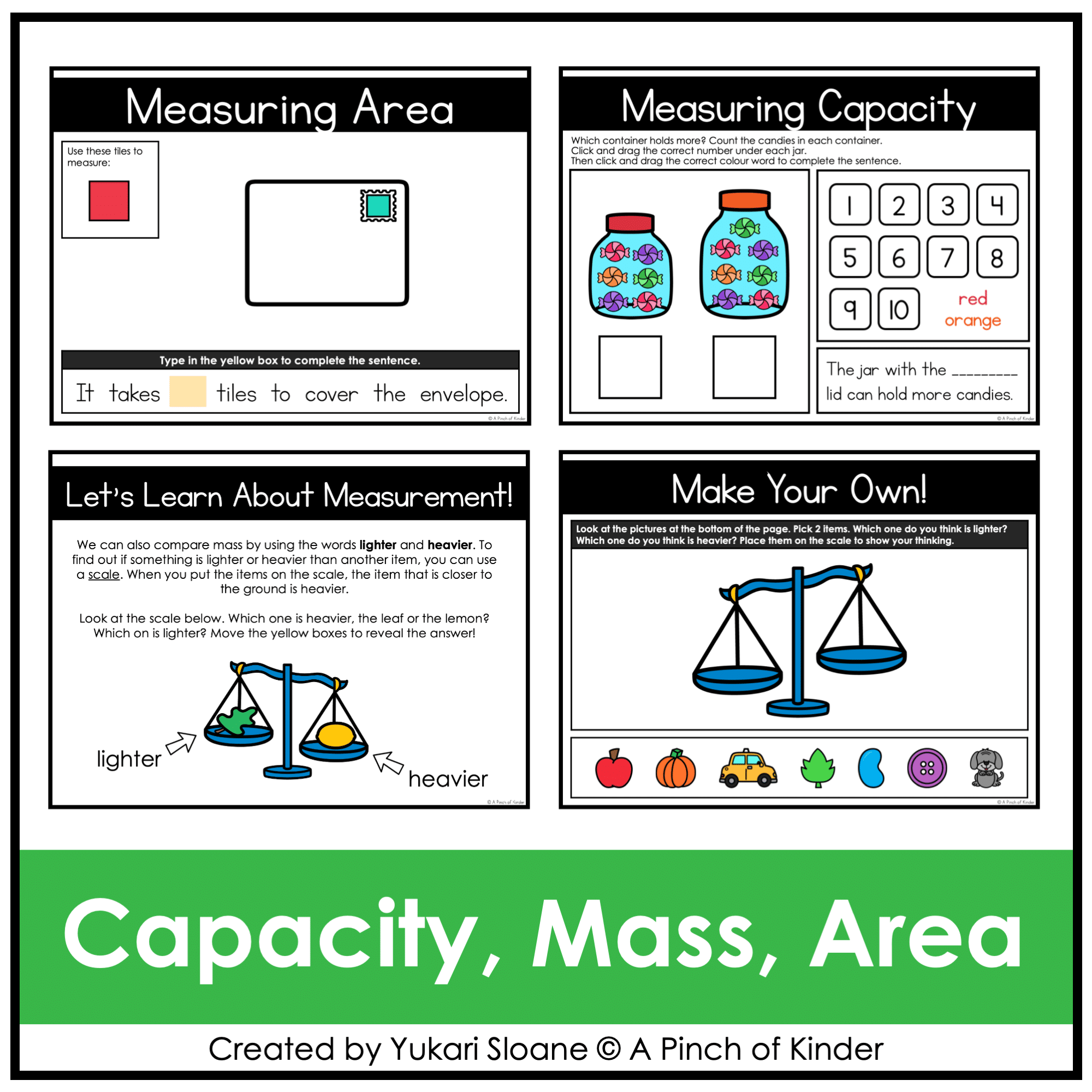
- Measuring Area activities using an envelope, paper, a photo, and a lunch box
- An envelope comparison teaching activity
- Comparing Area activities
- A picture comparison investigation connecting area to choosing a picture for a wall
Exploring Capacity
- A teaching slide introducing capacity and a hands-on pouring demonstration
- A teaching slide about measuring capacity with repeated units
- Container comparison activities using pictured candies and jelly beans
- Counting and sentence-completion activities to identify which container holds more
Comparing Mass
- A teaching slide introducing heavy and light
- Sort by Mass activities
- A teaching slide introducing heavier and lighter
- Which Is Heavier? balance-scale comparisons
- A Make Your Own activity for showing heavier/lighter predictions
2026 Ontario Curriculum Alignment
These activities support the Ontario Kindergarten measurement expectations:
- A10.1: Describe different ways objects can be measured
- A10.2: Compare the length, area, mass, and capacity of objects using concrete materials
Non-standard measurement activities remain as opportunities to explore different ways of measuring while practising counting and one-to-one correspondence.
When documenting measurement learning, focus on children’s ability to describe and compare measurable attributes. Use the digital slides alongside hands-on investigations with concrete materials.
How the Slides Work
Depending on the activity, children:
- Click and drag objects or measuring units
- Sort and order pictures
- Move answer markers
- Move cover shapes to reveal answers
- Type numbers or words in text boxes
Use the slides in Edit mode so children can move the pieces and type their answers.
You can select individual activities for a lesson or centre, or assign a selection of slides through Google Classroom.
Try Before You Buy!
Want to try this digital activity format first?
Download my FREE Digital Math for Kindergarten | Tally Marks | Google Slides™.
Want Digital Kindergarten Math Activities for the Whole Year?
This resource is included in my Year-Long Digital Kindergarten Math Bundle, with teaching slides and interactive activities for a range of Kindergarten math concepts.