

Digital Math for Kindergarten | 3D Figures Activities | Google Slides™
Number of Pages: 60
File Type(s):
- Google Apps
$8.25
Why buy on my website
- Prices in Canadian dollars, so there’s no currency conversion on your card
- Digital lessons open as your own copy. No Google Drive access needed
- Early access to new releases for website customers
- Made by a former Ontario Kindergarten teacher and a small Canadian business
Save with a Bundle!
This product can also be found in:
-
Sale!
Ontario Kindergarten Math System | Year-Long Curriculum | Printable + Digital
Original price was: $478.00.$260.00Current price is: $260.00. -
Sale!
Year-Long Digital Kindergarten Math | Google Slides™ Math Bundle
Original price was: $185.00.$109.00Current price is: $109.00. -
Sale!
Ontario Kindergarten Digital Math Bundle | Term 1 Google Slides™ Lessons
Original price was: $66.00.$52.00Current price is: $52.00.


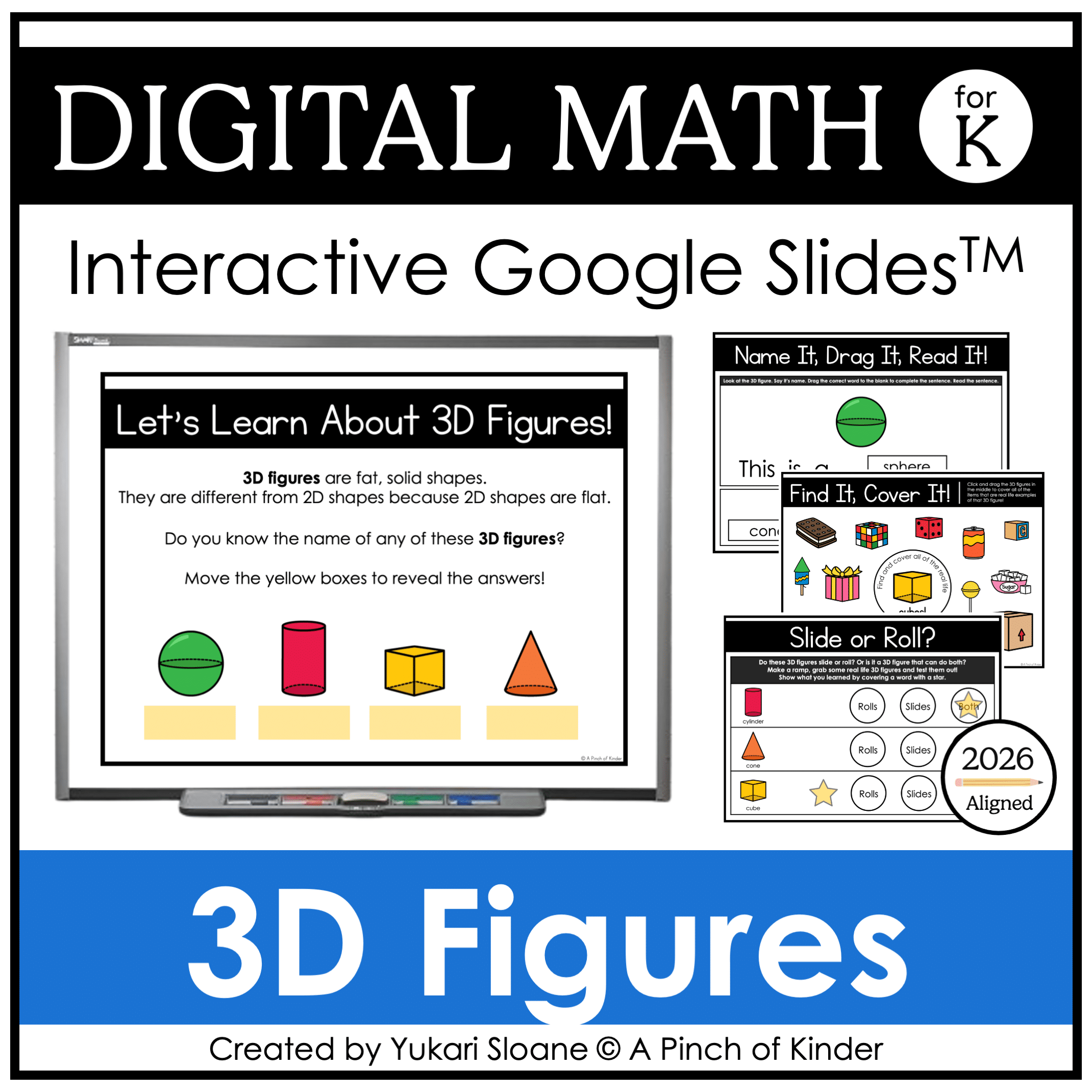
Digital Math for Kindergarten | 3D Figures Activities | Google Slides™
Looking for interactive kindergarten 3D figures activities you can use for digital math centers, whole-group lessons, or distance learning?
This Google Slides™ 3D figures resource gives your students hands-on drag-and-drop practice identifying, sorting, comparing, and exploring three-dimensional figures.
Students explore figure names, real-life examples, faces, and investigate which figures roll, slide, and stack using interactive digital manipulatives.
Perfect for:
✔ Whole-group teaching on the SMARTBoard or projector
✔ Digital math centers
✔ Google Classroom assignments
✔ Distance learning
✔ Hybrid classrooms
What’s Included:
⭐ Lesson Slides
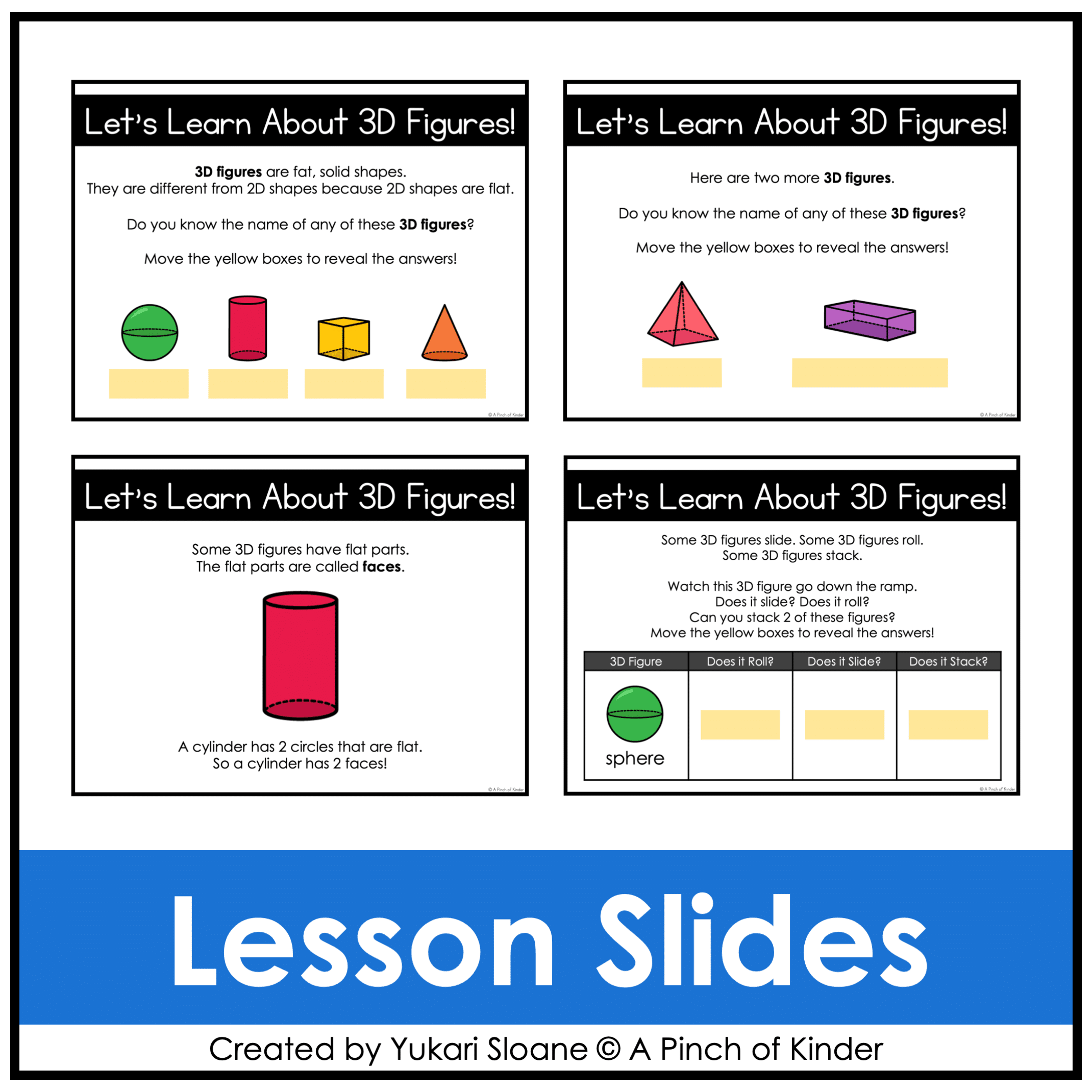
What Are 3D Figures? (Slides 1–2)
Introduce and teach:
- What is a 3D figure?
- Names of common 3D figures:
- Sphere
- Cube
- Cylinder
- Cone
- Pyramid
- Rectangular Prism
👆 Use these slides for direct instruction before independent practice.
⭐ Digital Math Word Wall (Slide 3)
Interactive word wall for 3D figure names to reinforce vocabulary and spelling.
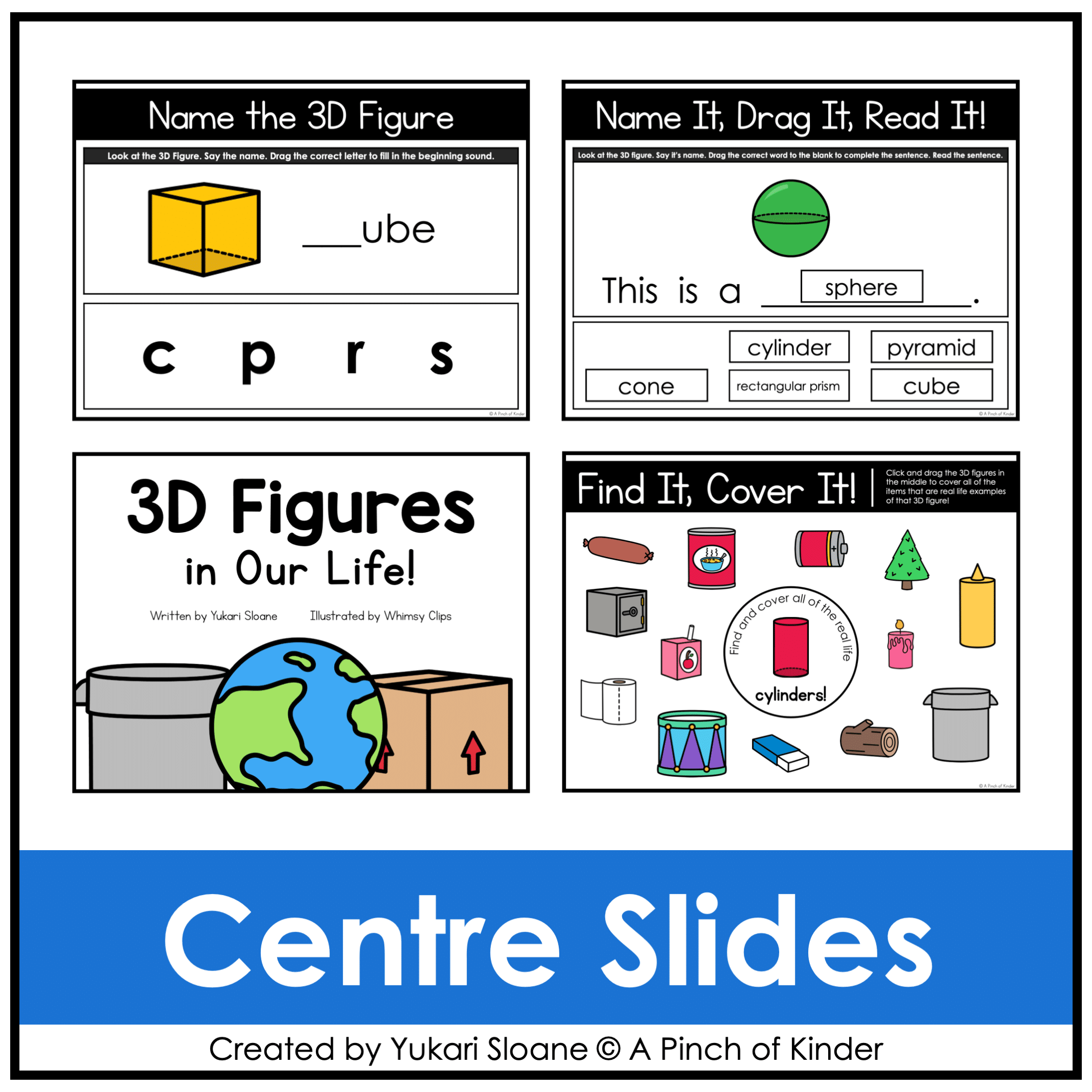
⭐ Name the 3D Figure (Slides 4–9)
Students:
- Look at the 3D figure
- Say the name
- Click and drag letters to complete the beginning sound
Includes differentiation options for rectangular prism.
Builds phonics + math vocabulary connections.
⭐ Name It, Drag It, Read It! (Slides 10–15)
Students:
- Look at the 3D figure
- Say its name
- Drag the correct word into the sentence
- Read the completed sentence
Word bank included (optional — delete for more challenge).
Strengthens decoding and math-language integration.
⭐ 3D Figures in Our Life (Slides 16–34)
Digital emergent reader where students:
- Read simple sentences
- Explore real-life examples of 3D figures
- Build real-world connections
Reinforces vocabulary and visual recognition.
⭐ Find It! Cover It! (Slides 35–40)
Students:
- Drag the 3D figure to cover real-life objects that match
Builds visual discrimination and real-life figure identification.
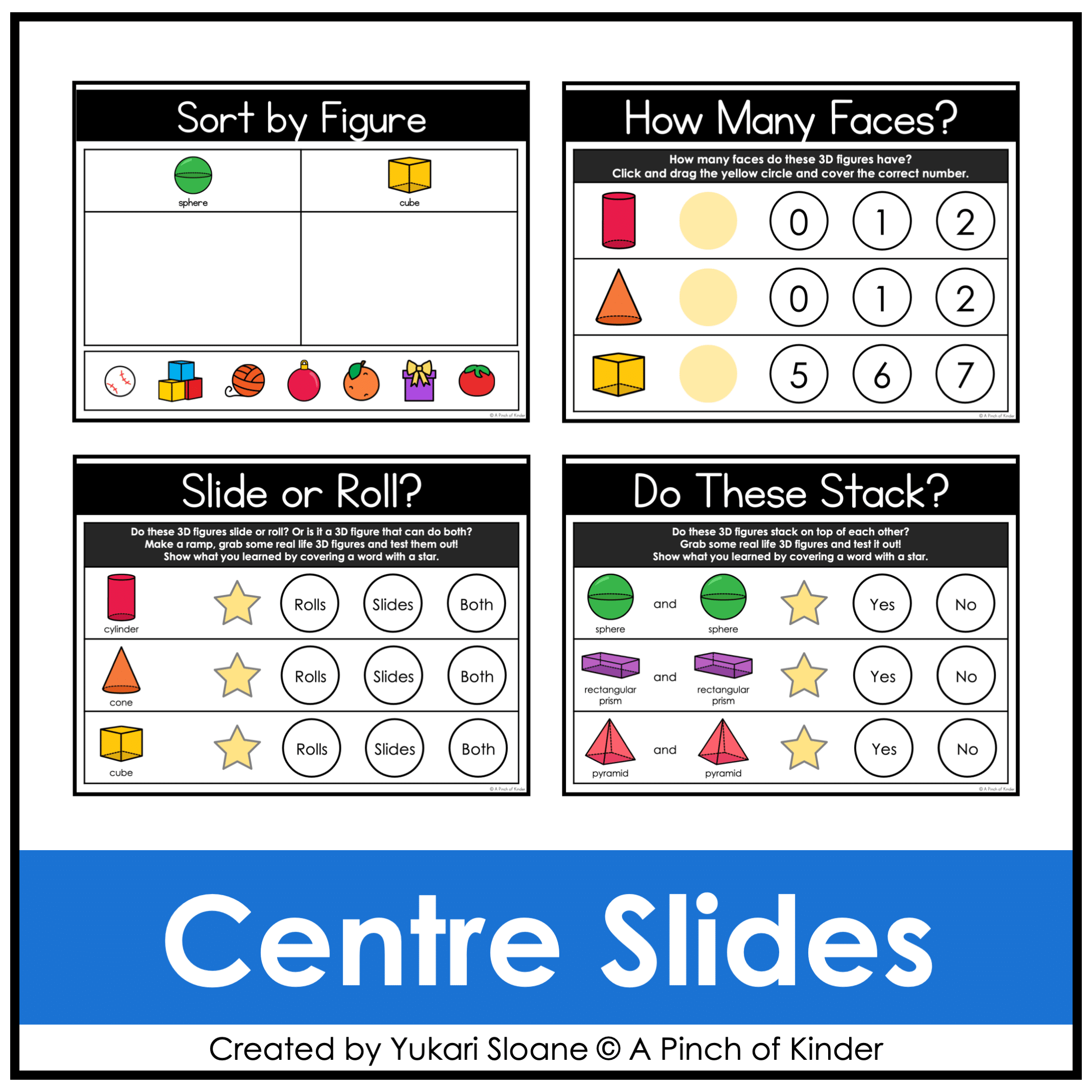
⭐ Sort by Figure (Slides 41–42)
Students sort pictures by 3D figure categories:
- Sphere / Cube
- Cylinder / Rectangular Prism
Develops comparison and classification skills.
⭐ Faces Lesson (Slide 43)
Direct instruction slide to teach:
- What are faces?
- Which figures have flat faces?
- Which have curved surfaces?
⭐ How Many Faces? (Slides 44–45)
Students:
- Count the number of faces
- Drag yellow circles to represent the correct number
Reinforces attribute-based understanding.
⭐ Roll, Slide, Stack Lesson (Slides 46–51)
Direct instruction slides to teach:
- What does it mean to roll?
- What does it mean to slide?
- What does it mean to stack?
Teacher tip: Demonstrate how to create a simple ramp using common classroom or household materials before completing the practice slides.
⭐ Slide or Roll? (Slides 52–54)
Students:
- Predict and test which figures roll, slide, or do both
- Cover the correct word with a star
Encourages investigation-based learning.
Includes versions with and without pyramid for flexibility.
⭐ Do These Stack? (Slides 55–59)
Students:
- Test which figures stack
- Cover the correct answer with a star
Builds understanding of flat vs. curved surfaces.
Why Teachers Love This Resource:
✔ No prep — just assign or project
✔ Engaging drag-and-drop format
✔ Reinforces geometry vocabulary
✔ Encourages hands-on investigation (even digitally!)
✔ Works for in-person OR digital classrooms
✔ 2026 Ontario curriculum aligned
Tech Tips:
- Use in EDIT mode (not Present mode) so movable pieces work.
- If assigning in Google Classroom, students using iPads/tablets must have the Google Slides app installed to manipulate pieces.
- You may also download as a PowerPoint file to use on a SMARTBoard.
Try Before You Buy:
Not sure if this format works for you?
Grab my FREE Digital Math for Kindergarten | Tally Marks | Google Slides™ to test it out.
If you love this resource, be sure to check out my other Digital Math for Kindergarten activities or my complete, year-long digital math program here💛