

Digital Math for Kindergarten | Number Path & Line Activities | Google Slides™
Number of Pages: 72
File Type(s):
- Google Apps
$5.50
Why buy on my website
- Prices in Canadian dollars, so there’s no currency conversion on your card
- Digital lessons open as your own copy. No Google Drive access needed
- Early access to new releases for website customers
- Made by a former Ontario Kindergarten teacher and a small Canadian business
Save with a Bundle!
This product can also be found in:
-
Sale!
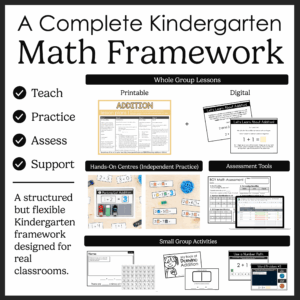
Ontario Kindergarten Math System | Year-Long Curriculum | Printable + Digital
Original price was: $478.00.$260.00Current price is: $260.00. -
Sale!
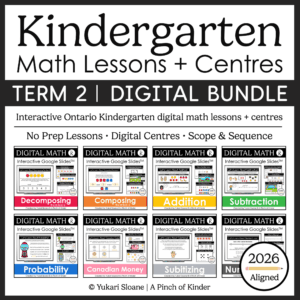
Ontario Kindergarten Digital Math Bundle | Term 2 Google Slides™ Lessons
Original price was: $87.00.$62.50Current price is: $62.50. -
Sale!
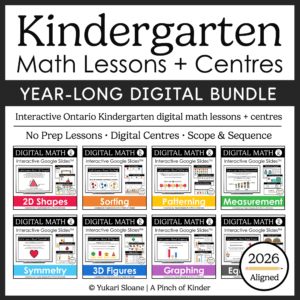
Year-Long Digital Kindergarten Math | Google Slides™ Math Bundle
Original price was: $185.00.$109.00Current price is: $109.00.


Kindergarten Digital Number Paths & Number Lines – Math for Google Slides™ | Ontario 2026 Aligned
Looking for interactive kindergarten number path and number line activities you can use for digital math centers, whole-group lessons, or distance learning?
This Google Slides™ resource helps students build a deep understanding of how numbers increase and decrease by exploring number paths first, then bridging to number lines through hands-on drag-and-drop activities.
Students develop number sense by moving along number paths and number lines, using visual models, manipulatives, and interactive strategies to understand how numbers change when moving forward and backward.
Perfect for:
✔ Whole-group teaching on the SMARTBoard or projector
✔ Digital math centers
✔ Google Classroom assignments
✔ Distance learning
✔ Hybrid classrooms
What’s Included:
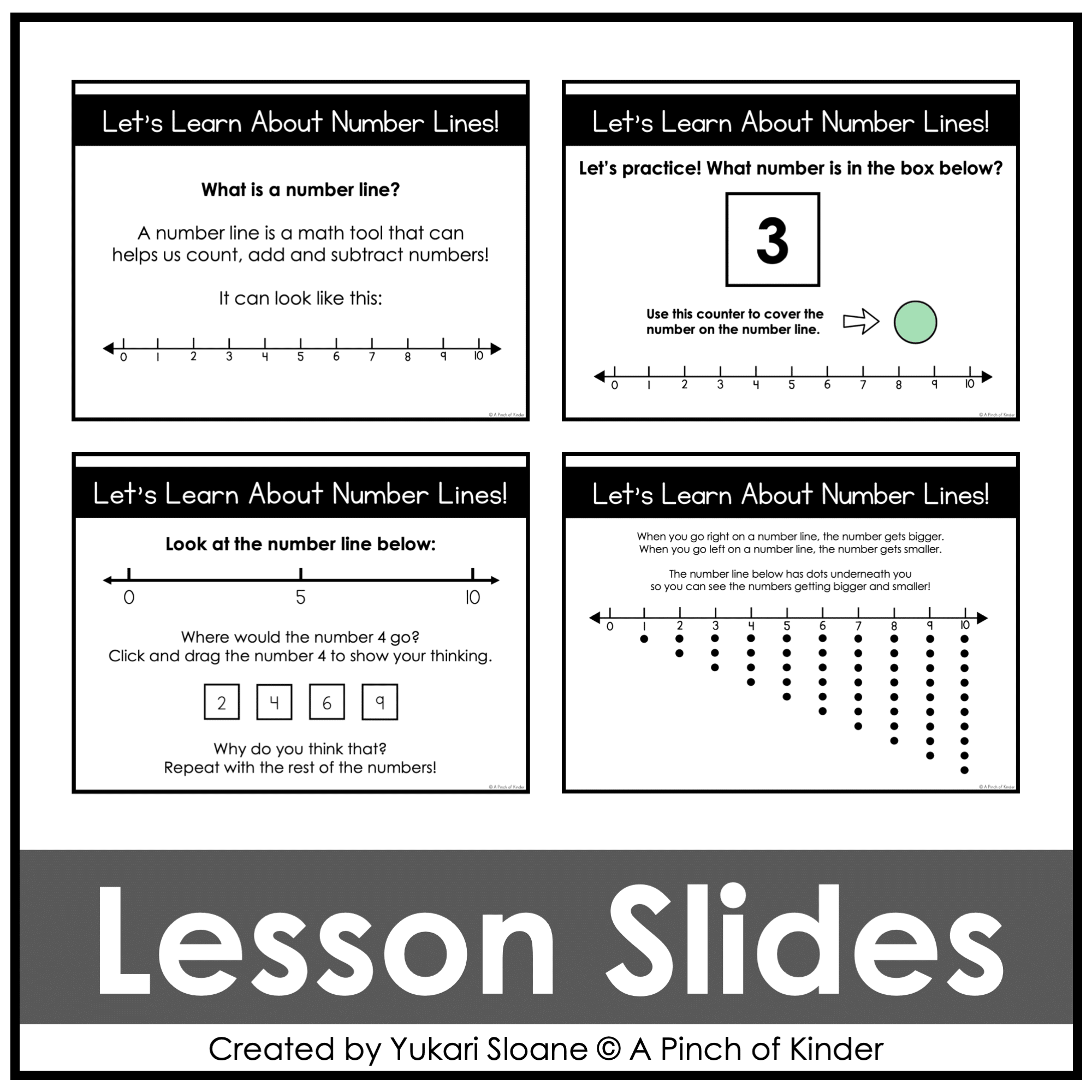
⭐ Lesson Slides (Introduction & Discussion)
Introduce and teach:
- What number paths and number lines represent
- How numbers increase when moving right
- How numbers decrease when moving left
- How to describe numbers as “more” or “less”
👆 Use these slides for whole-group discussion before independent practice.
⭐ Build Understanding with Number Paths
Students:
- Use visual number paths to explore number order
- Move along paths to show forward and backward movement
- Compare numbers using “more” and “less” language
- Develop one-to-one correspondence and quantity understanding
This builds the foundation students need before using number lines.
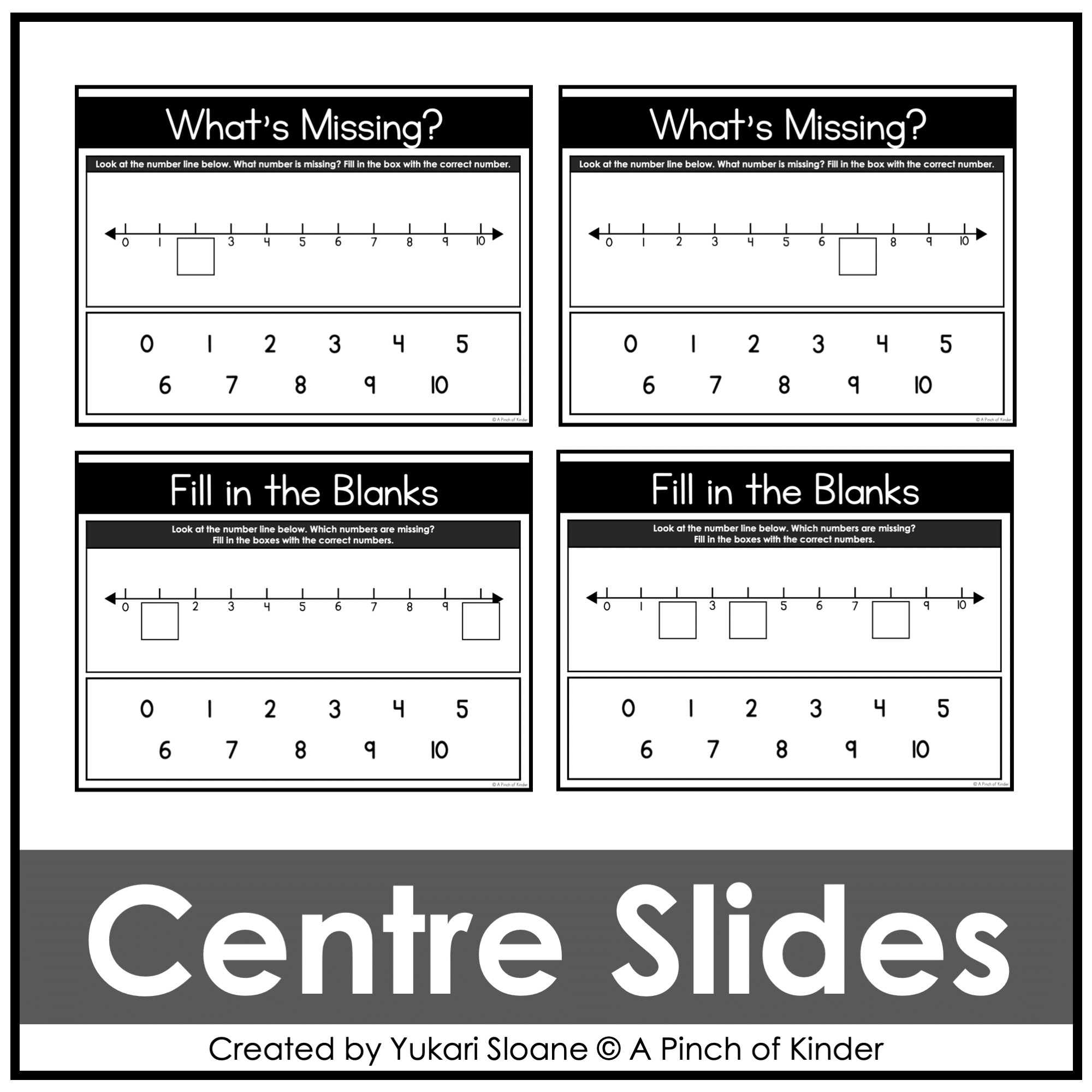
⭐ Missing Numbers on Number Paths
Students:
- Identify missing numbers along a number path
- Use visual cues and counting strategies to fill in gaps
- Strengthen number sequencing and counting from any starting number
⭐ Transition to Number Lines
Students:
- Explore number lines as a more abstract representation
- Connect number paths to number lines
- Understand that spacing stays consistent and numbers increase/decrease in order
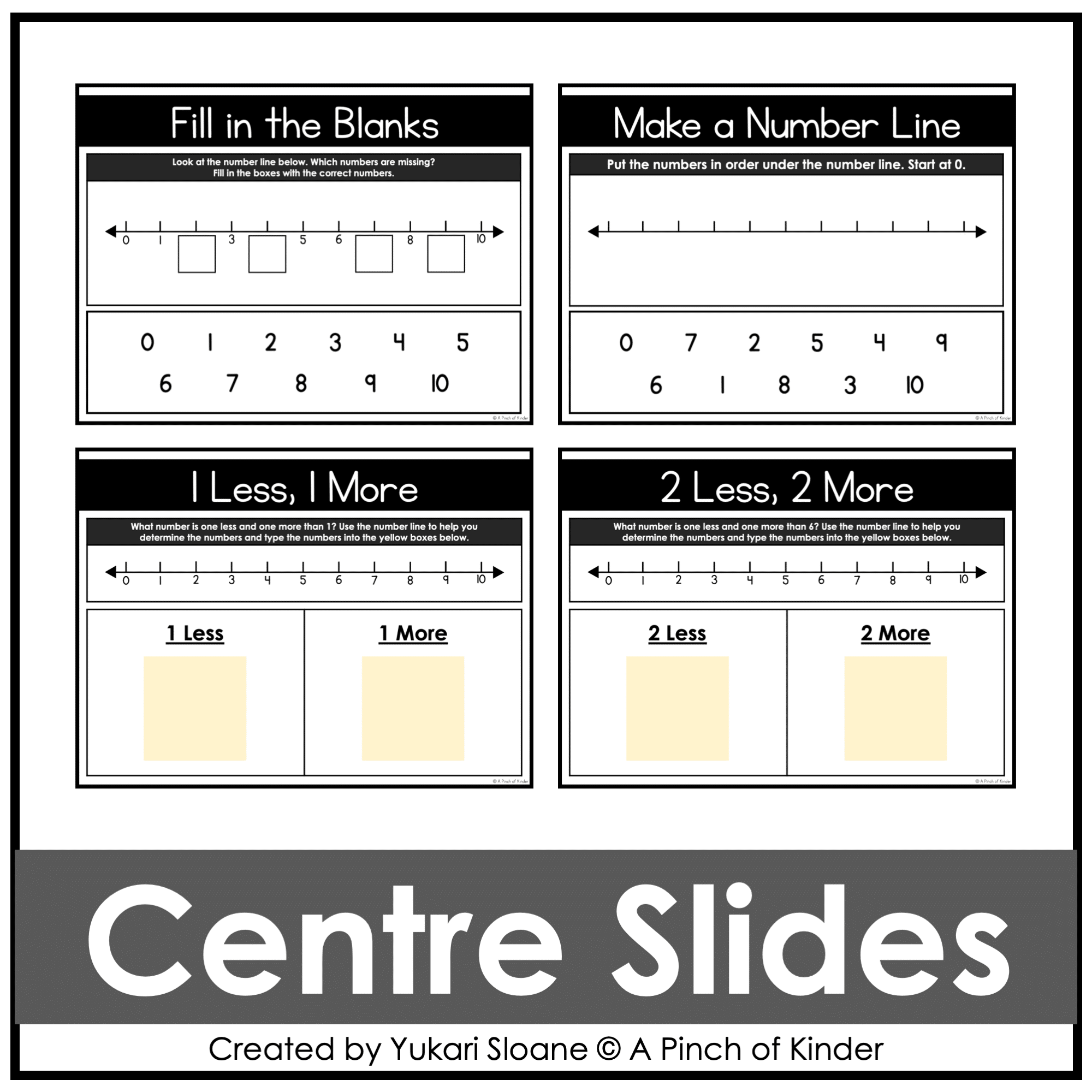
⭐ Use a Number Line
Students:
- Move along a digital number line
- Solve problems by moving forward and backward
- Type or drag numbers to show their answers
This builds understanding of number lines as movement along a number sequence.
⭐ Compare Numbers (More & Less)
Students:
- Compare two numbers using visual models
- Determine which number is greater or smaller
- Use math language to explain their thinking
⭐ Interactive Movement & Practice Slides
Students:
- Use drag-and-drop tools to show movement
- Solve multiple problems per slide
- Build fluency with counting forward and backward
⭐ Make Your Own Number Path & Number Line Problems
Students:
- Move objects along paths or lines
- Represent their thinking using numbers and visuals
Encourages creativity and deeper mathematical understanding.
Skills Students Develop:
- Understanding that numbers increase and decrease
- Counting forward and backward
- Counting from any starting number
- Comparing numbers (more/less)
- Understanding number order and relationships
- Using number paths and number lines
- Building early addition and subtraction concepts
This digital unit builds the foundation for:
→ Addition and subtraction strategies
→ Number line fluency
→ Understanding number relationships to 20
Why Teachers Love This Resource:
✔ No prep — just assign or project
✔ Engaging drag-and-drop format
✔ Teaches number lines in a developmentally appropriate way
✔ Strong progression from concrete (number paths) to abstract (number lines)
✔ Builds deep number sense (not just counting)
✔ Encourages mathematical reasoning and discussion
✔ Works for in-person OR digital classrooms
✔ Ontario-aligned
Curriculum Alignment (Ontario 2026)
This resource has been reviewed and updated to align with the 2026 Ontario Kindergarten Math Curriculum.
Tech Tips:
- Use in EDIT mode (not Present mode) so movable pieces work.
- If assigning in Google Classroom, students using iPads/tablets must have the Google Slides app installed to manipulate pieces.
- You may also download the slides as a PowerPoint file to use on a SMARTBoard.
Try Before You Buy!
Not sure if this format works for you?
Grab my FREE Digital Math for Kindergarten | Tally Marks | Google Slides™ to try it for free first.
If you love this resource, be sure to check out my other Digital Math for Kindergarten activities or my complete year-long digital math program💛