

Digital Math for Kindergarten | 2D Shapes Activities | Google Slides™
Number of Pages: 46
File Type(s):
- Google Apps
$4.50
Why buy on my website
- Prices in Canadian dollars, so there’s no currency conversion on your card
- Digital lessons open as your own copy. No Google Drive access needed
- Early access to new releases for website customers
- Made by a former Ontario Kindergarten teacher and a small Canadian business
Save with a Bundle!
This product can also be found in:
-
Sale!
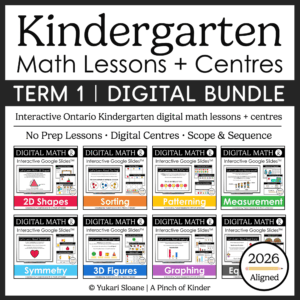
Ontario Kindergarten Digital Math Bundle | Term 1 Google Slides™ Lessons
Original price was: $66.00.$52.00Current price is: $52.00. -
Sale!
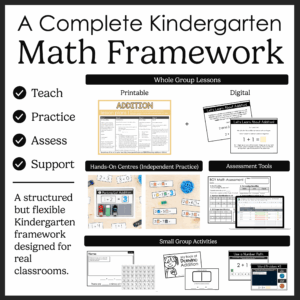
Ontario Kindergarten Math System | Year-Long Curriculum | Printable + Digital
Original price was: $478.00.$260.00Current price is: $260.00. -
Sale!
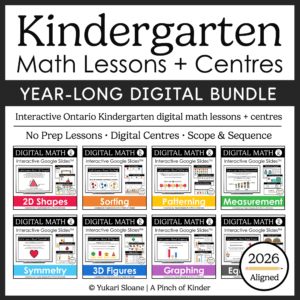
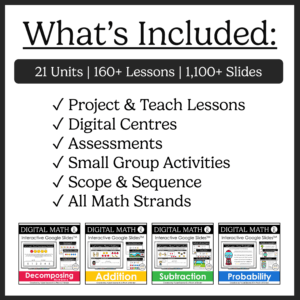
Year-Long Digital Kindergarten Math | Google Slides™ Math Bundle
Original price was: $185.00.$109.00Current price is: $109.00.


Kindergarten Digital 2D Shapes Activities – Math for Google Slides™
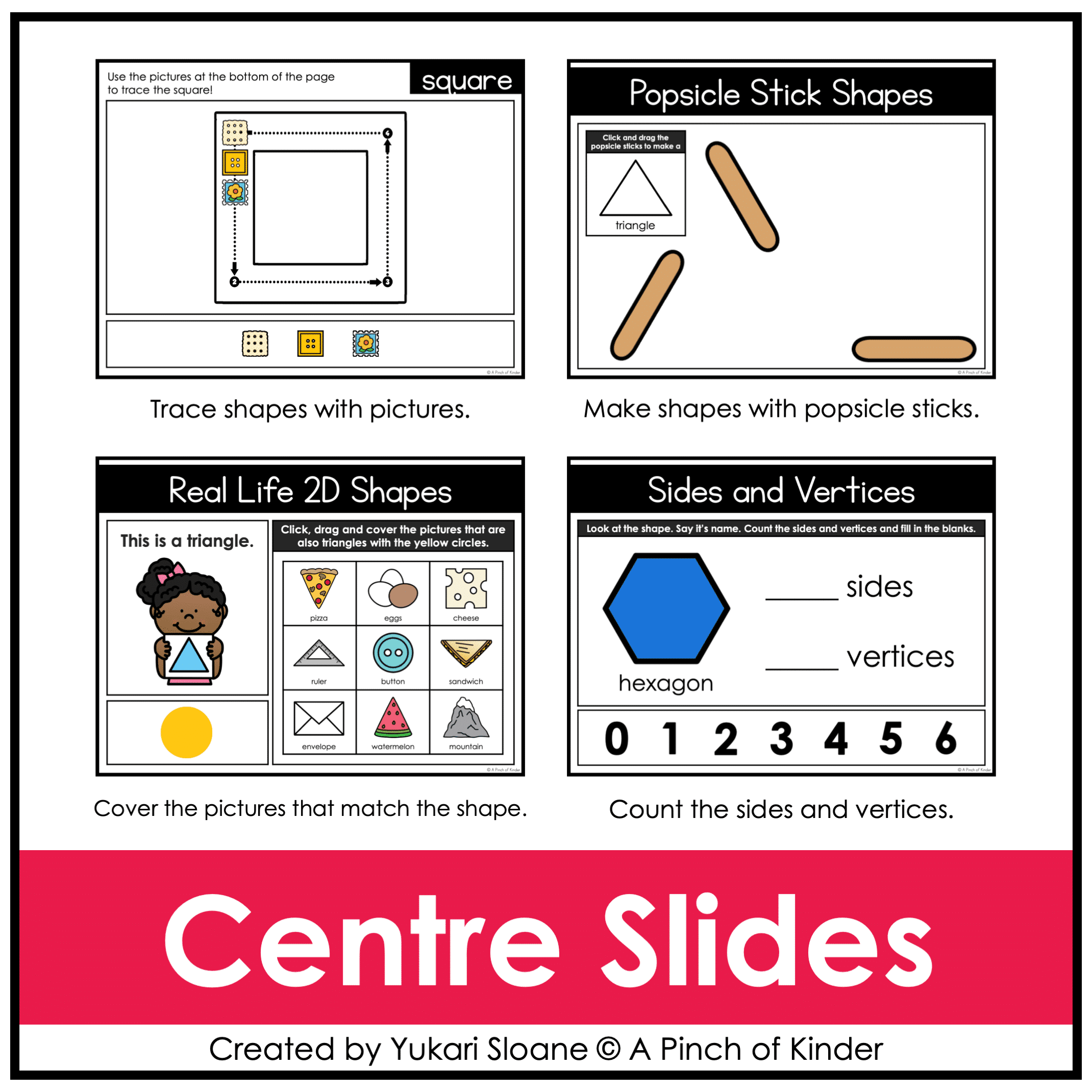
Looking for interactive kindergarten 2D shapes activities you can use for digital math centers, whole-group lessons, or distance learning?
This Google Slides™ 2D shapes resource gives your students hands-on drag-and-drop practice identifying, building, sorting, composing, and comparing two-dimensional shapes.
Students explore shape names, real-life examples, sides and vertices, and shape composition using interactive digital manipulatives.
Perfect for:
✔ Whole-group teaching on the SMARTBoard or projector
✔ Digital math centers
✔ Google Classroom assignments
✔ Distance learning
✔ Hybrid classrooms
What’s Included:
⭐ Lesson Slides (Slides 1–2)
- Introduce and teach:
- What is a 2D shape?
- Shape names (circle, triangle, square, rectangle, oval, star, hexagon, diamond)
- Shape vocabulary
👆 Use these slides for direct instruction before independent practice.
⭐ Trace It! (Slides 3–6)
Students use digital tracing tools to practice forming:
- Circle
- Triangle
- Square
- Rectangle
Great for reinforcing shape recognition and formation.
⭐ Build with Popsicle Sticks (Slides 7–13)
Students click and drag digital popsicle sticks to build:
- Triangle
- Square
- Rectangle
- Diamond
- Trapezoid
- Hexagon
- Pentagon
This activity strengthens understanding of sides and shape structure.
⭐ Real-Life 2D Shapes (Slides 14–20)
Students:
- Read the shape sentence (with picture support)
- Cover the real-life objects that match the shape
Shapes included:
- Circle
- Triangle
- Square
- Rectangle
- Oval
- Diamond
- Hexagon
Builds real-world shape connections and visual discrimination.
⭐ Sides & Vertices Lesson (Slide 21)
Direct instruction slide to teach:
- What are sides?
- What are vertices?
- Where are they located on shapes?
⭐ Sides & Vertices Practice (Slides 22–26)
Students:
- Count sides and vertices
- Click and drag the correct number into the blanks
Shapes included:
- Triangle
- Square
- Rectangle
- Hexagon
- Circle
Reinforces geometry vocabulary and conceptual understanding.
⭐ Sort by Shape (Slides 27–30)
Students sort shapes using a variety of rules:
- Triangle / Not Triangle
- Circle / Oval
- Triangle / Pentagon
- 3 sides / 4 sides
Builds classification and comparison skills.
⭐ Pattern Block Pictures (Slides 31–36)
Students click and drag digital pattern blocks to recreate pictures:
- Cat
- Rabbit
- Turtle
- Fish
- Apple
- Pineapple
Encourages spatial reasoning and composition.
⭐ Make Your Own Picture (Slide 37)
Students:
- Create their own picture using digital pattern blocks
- Type to describe what they made
Encourages creativity and math language.
⭐ Build It! (Slides 38–45)
Students read instructions and build shapes digitally.
Example: Build a rectangle using 6 squares.
Picture prompts included to support non-readers.
This activity strengthens composing and decomposing shapes.
⭐ Decompose a Hexagon (Slide 46)
Students explore: How many different ways can you make a hexagon?
They use digital pattern blocks to cover all 6 hexagons in different ways.
Builds flexible thinking and deeper geometric understanding.
Why Teachers Love This Resource
✔ No prep — just assign or project
✔ Engaging drag-and-drop format
✔ Reinforces geometry vocabulary
✔ Encourages composing and decomposing shapes
✔ Works for in-person OR digital classrooms
✔ Ontario-aligned
Tech Tips
- Use in EDIT mode (not Present mode) so movable pieces work.
- If assigning in Google Classroom, students using iPads/tablets must have the Google Slides app installed to manipulate pieces.
- You may also download as a PowerPoint file to use on a SMARTBoard.
Try Before You Buy!
Not sure if this format works for you?
Grab my FREE Digital Math for Kindergarten | Tally Marks | Google Slides™ to test it out.
If you love this resource, be sure to check out my other Digital Math for Kindergarten activities or my complete, year-long digital math program here💛