

Digital Math for Kindergarten | Sorting Activities | Google Slides™
Number of Pages: 41
File Type(s):
- Google Apps
$5.50
Why buy on my website
- Prices in Canadian dollars, so there’s no currency conversion on your card
- Digital lessons open as your own copy. No Google Drive access needed
- Early access to new releases for website customers
- Made by a former Ontario Kindergarten teacher and a small Canadian business
Save with a Bundle!
This product can also be found in:
-
Sale!
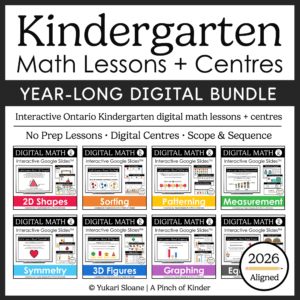
Year-Long Digital Kindergarten Math | Google Slides™ Math Bundle
Original price was: $185.00.$109.00Current price is: $109.00. -
Sale!
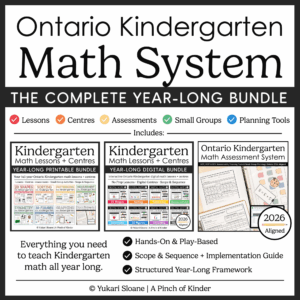
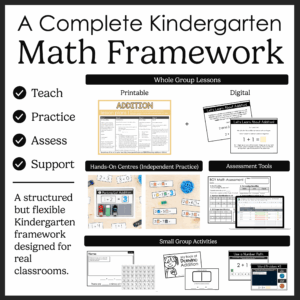
Ontario Kindergarten Math System | Year-Long Curriculum | Printable + Digital
Original price was: $478.00.$260.00Current price is: $260.00. -
Sale!
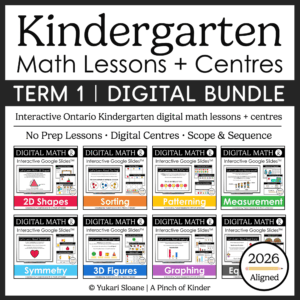
Ontario Kindergarten Digital Math Bundle | Term 1 Google Slides™ Lessons
Original price was: $66.00.$52.00Current price is: $52.00.


Digital Math for Kindergarten | Sorting Activities | Google Slides™
Looking for interactive kindergarten sorting activities you can use for digital math centers, whole-group lessons, or distance learning?
This Google Slides™ sorting resource gives your students hands-on drag-and-drop practice sorting objects using a variety of attributes including colour, size, shape, letters, numbers, and real-world categories.
Students learn to identify sorting rules, explain their thinking, and even create their own sorting categories.
✔ Aligned with the Ontario Kindergarten Math Curriculum
✔ No updates needed — sorting expectations remain the same from 2016 to 2026
Perfect for:
✔ Whole-group teaching on SMARTBoard
✔ Digital math centers
✔ Google Classroom assignments
✔ Distance learning
✔ Hybrid classrooms
What’s Included:
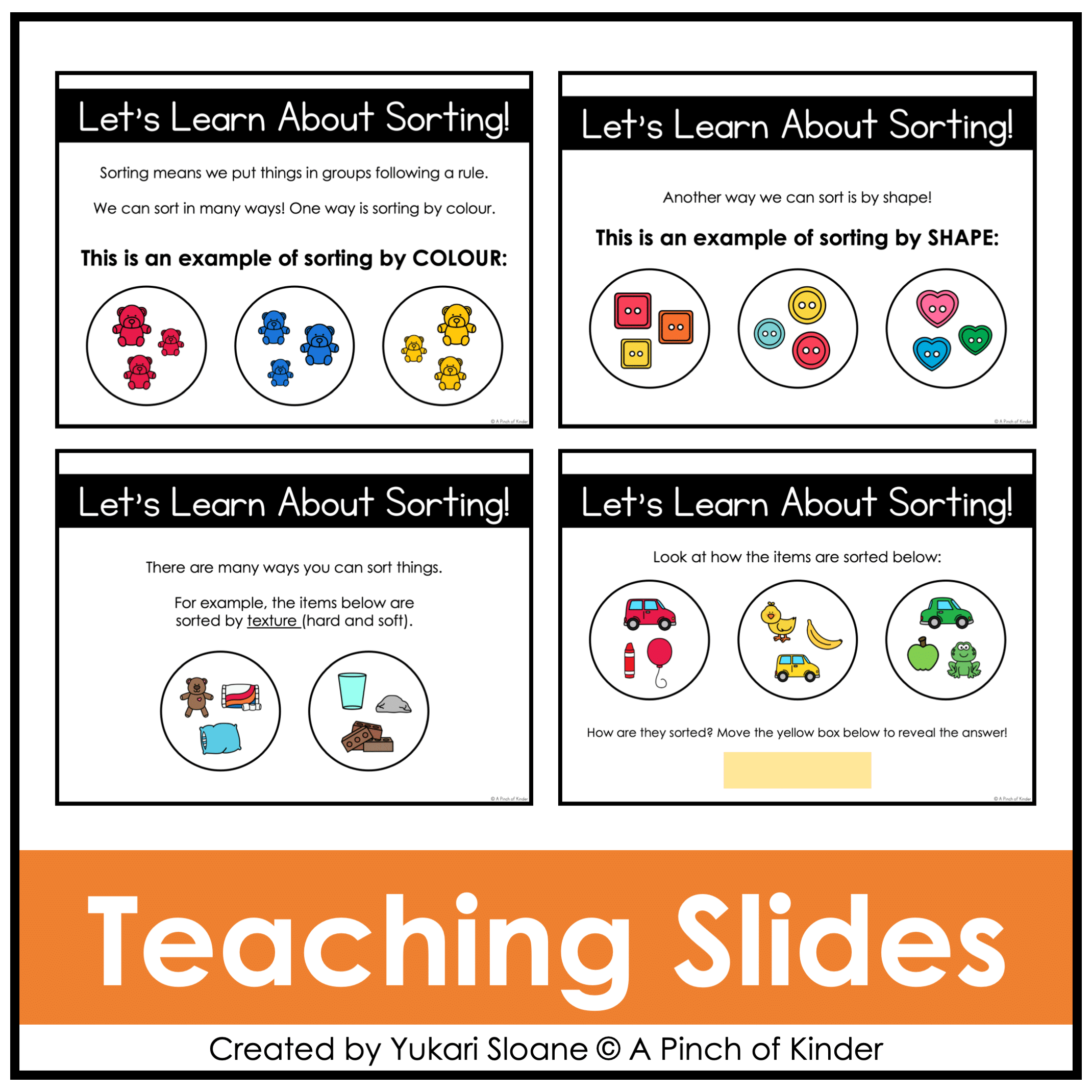
⭐ Lesson Slides: Let’s Learn About Sorting! (Slides 1–7)
Introduce and teach:
- What is sorting?
- What is a sorting rule?
- Sorting by colour
- Sorting by shape
- Sorting by size
- Sorting by texture
- Sorting by movement (air, land, water)
Includes interactive slides where students determine the sorting rule.
Move the yellow box to reveal the answer!
👆 Use these slides for direct instruction before independent/group practice.
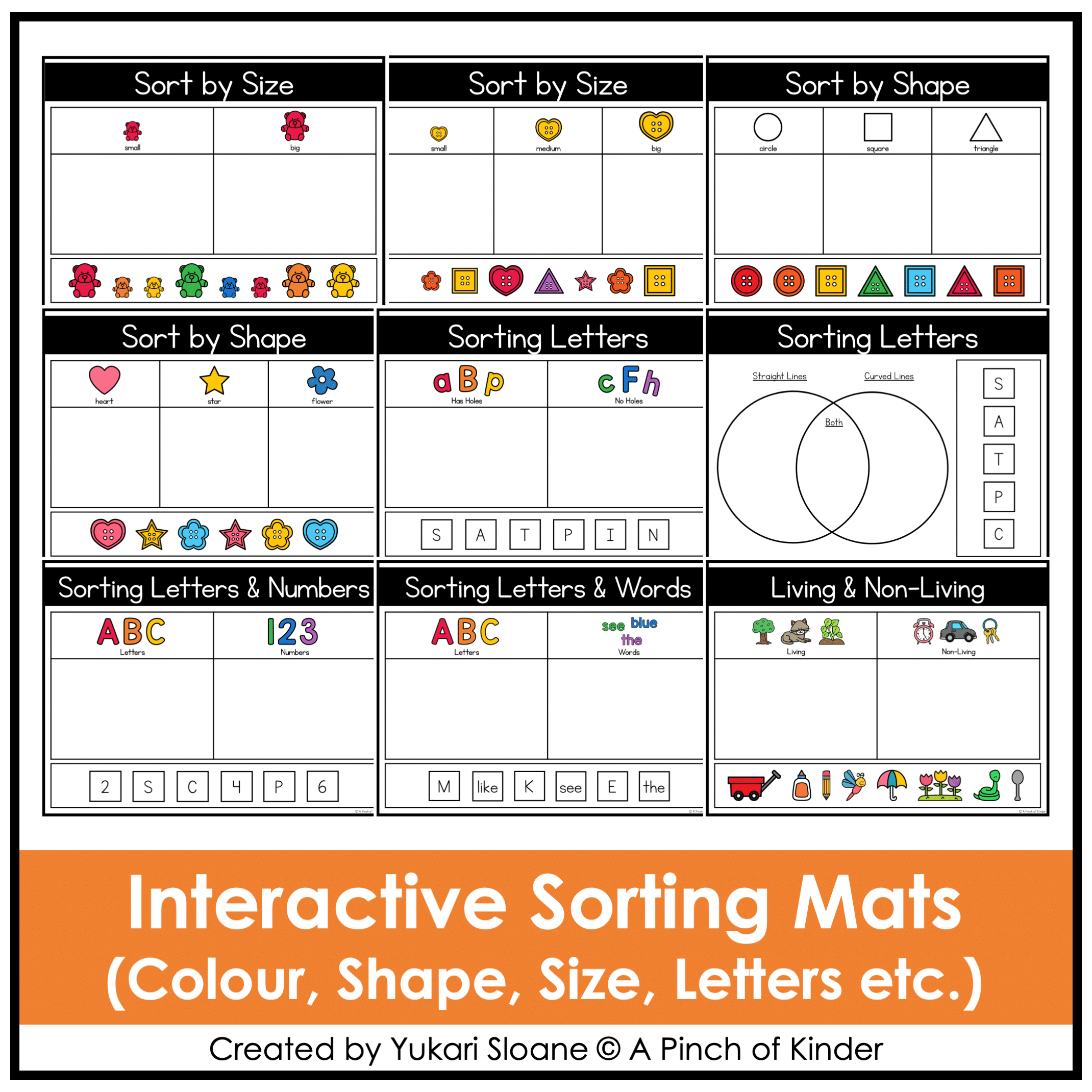
⭐ Sort by Colour (Slides 9–10)
Students click and drag counting bears to sort by colour.
⭐ Sort by Size (Slides 11–14)
Students sort:
- Buttons by size
- Counting bears by size
Includes:
- Small / Big
- Small / Medium / Big
⭐ Sort by Shape (Slides 15–18)
Students sort shapes using digital manipulatives to reinforce shape vocabulary and classification skills.
⭐ Sorting Letters (Slides 19–29)
Students sort letters by:
- Has holes / No holes
- Straight lines / Curved lines / Both
- Uppercase / Lowercase
Builds visual discrimination and letter feature awareness.
⭐ Sorting Letters & Numbers (Slide 30)
Students sort symbols into:
- Letters
- Numbers
⭐ Customizable Extra Tiles (Slide 31)
Includes extra number and sight word tiles so you can:
- Delete tiles you don’t want
- Copy and paste new ones
- Customize slides to meet your students’ needs
⭐ Sorting Letters & Words
- Slide 32 – T-Chart format
- Slide 33 – Venn Diagram format
Students sort symbols into:
- Letters
- Words
⭐ Living & Non-Living (Slide 34)
Students sort real-world images into:
- Living
- Non-Living
Supports science connections and classification skills.
⭐ Create Your Own Sorting Rule
- Slide 35 – Sort into 2 groups and type the sorting rule
- Slide 36 – Sort into 3 groups and type the sorting rule
Students determine their own sorting rule and explain their thinking using math language.
⭐ American & Canadian Spelling Included (Slides 37–40)
Includes both spelling options: Colour / Color
Simply delete the version you don’t need.
Why Teachers Love This Resource
✔ No prep — just assign or project
✔ Engaging drag-and-drop format
✔ Teaches true understanding of sorting rules
✔ Encourages math talk and reasoning
✔ Includes customizable slides
✔ Works for in-person OR digital classrooms
✔ Ontario-aligned
Tech Tips:
- Use in EDIT mode (not Present mode) so movable pieces work.
- If assigning in Google Classroom, students using iPads/tablets must have the Google Slides app installed to manipulate pieces.
- You may also download as a PowerPoint file to use on a SMARTBoard.
Try It for Free!
Want to see if this digital math format is a good fit for your classroom?
Grab my FREE Digital Math for Kindergarten | Tally Marks | Google Slides™ resource and try it out before you buy.
If you love this resource, be sure to check out my other Digital Math for Kindergarten activities or my complete, year-long digital math program here💛