





Digital Math for Kindergarten | Spatial Relationship Activities | Google Slides™
Number of Pages: 69
File Type(s):
- Google Apps
$7.00
Why buy on my website
- Prices in Canadian dollars, so there’s no currency conversion on your card
- Digital lessons open as your own copy. No Google Drive access needed
- Early access to new releases for website customers
- Made by a former Ontario Kindergarten teacher and a small Canadian business
Save with a Bundle!
This product can also be found in:
-
Sale!
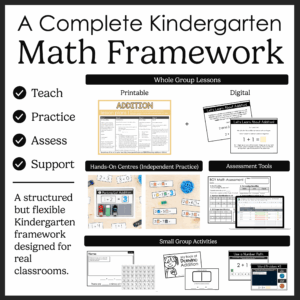
Ontario Kindergarten Math System | Year-Long Curriculum | Printable + Digital
Original price was: $478.00.$260.00Current price is: $260.00. -
Sale!
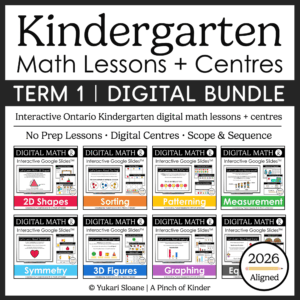
Ontario Kindergarten Digital Math Bundle | Term 1 Google Slides™ Lessons
Original price was: $66.00.$52.00Current price is: $52.00. -
Sale!
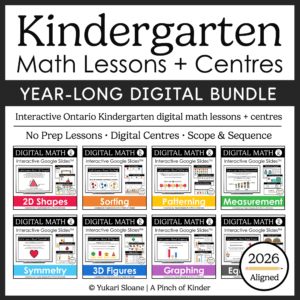
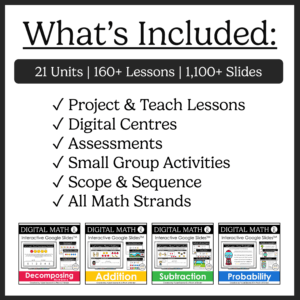
Year-Long Digital Kindergarten Math | Google Slides™ Math Bundle
Original price was: $185.00.$109.00Current price is: $109.00.


Digital Math for Kindergarten | Spatial Relationship Activities | Google Slides™ | Ontario 2026 Aligned
Looking for interactive kindergarten spatial relationships activities you can use for digital math centres, whole-group lessons, or distance learning?
This Google Slides™ spatial relationships resource gives your students hands-on drag-and-drop practice exploring positional language, movement, direction, and early perspective skills.
Students build understanding of where objects are in space, how we move, and how perspective changes what we see — all through interactive, visual activities.
Perfect for:
✔ Whole-group teaching on the SMARTBoard or projector
✔ Digital math centres
✔ Google Classroom assignments
✔ Distance learning
✔ Hybrid classrooms
What’s Included:
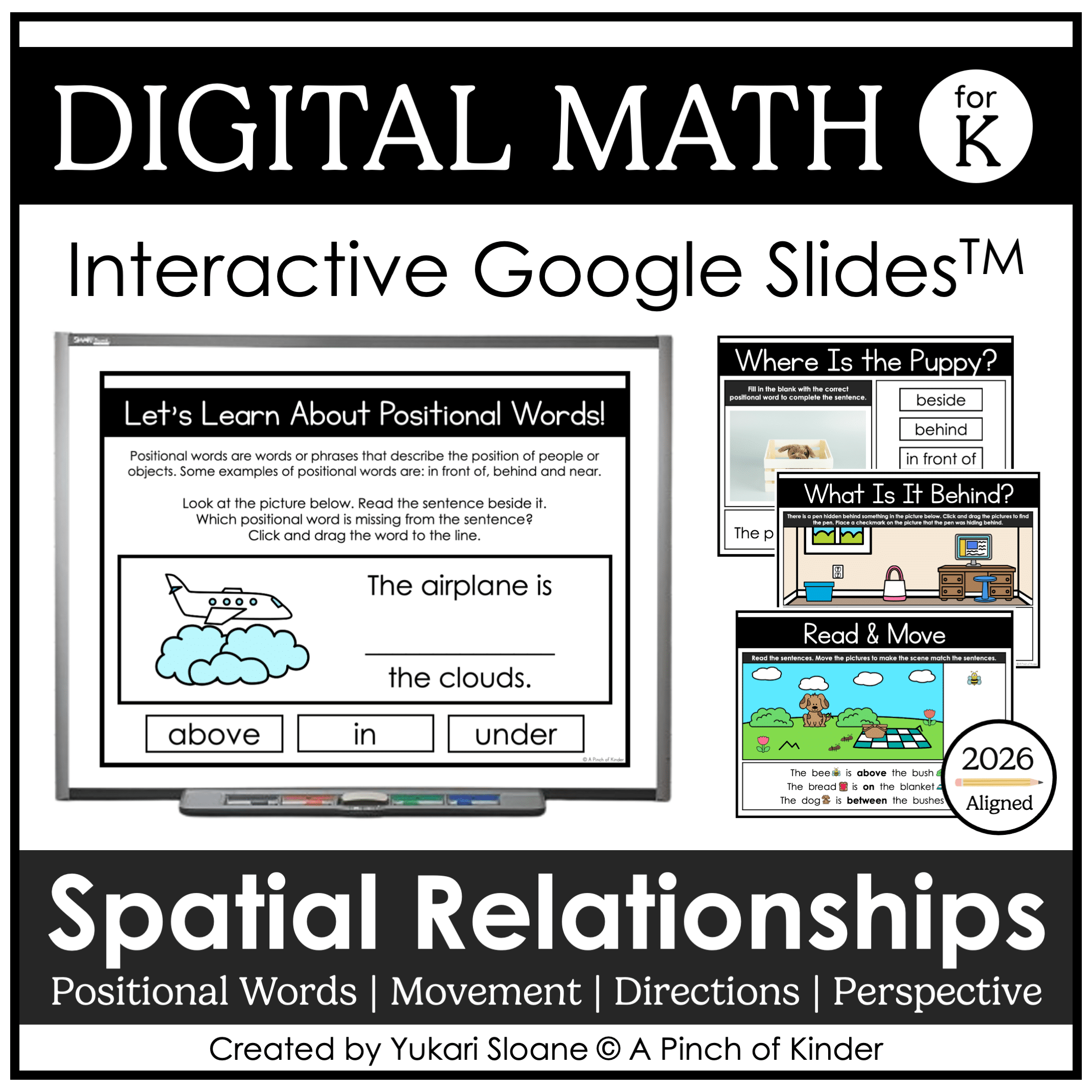
⭐ Lesson Slides: Introduction to Positional Words (Slides 1–8)
Introduce and teach:
- What positional words are
- How to describe where objects are
- How to use positional words in a sentence
👆 Use these slides for direct instruction before independent practice.
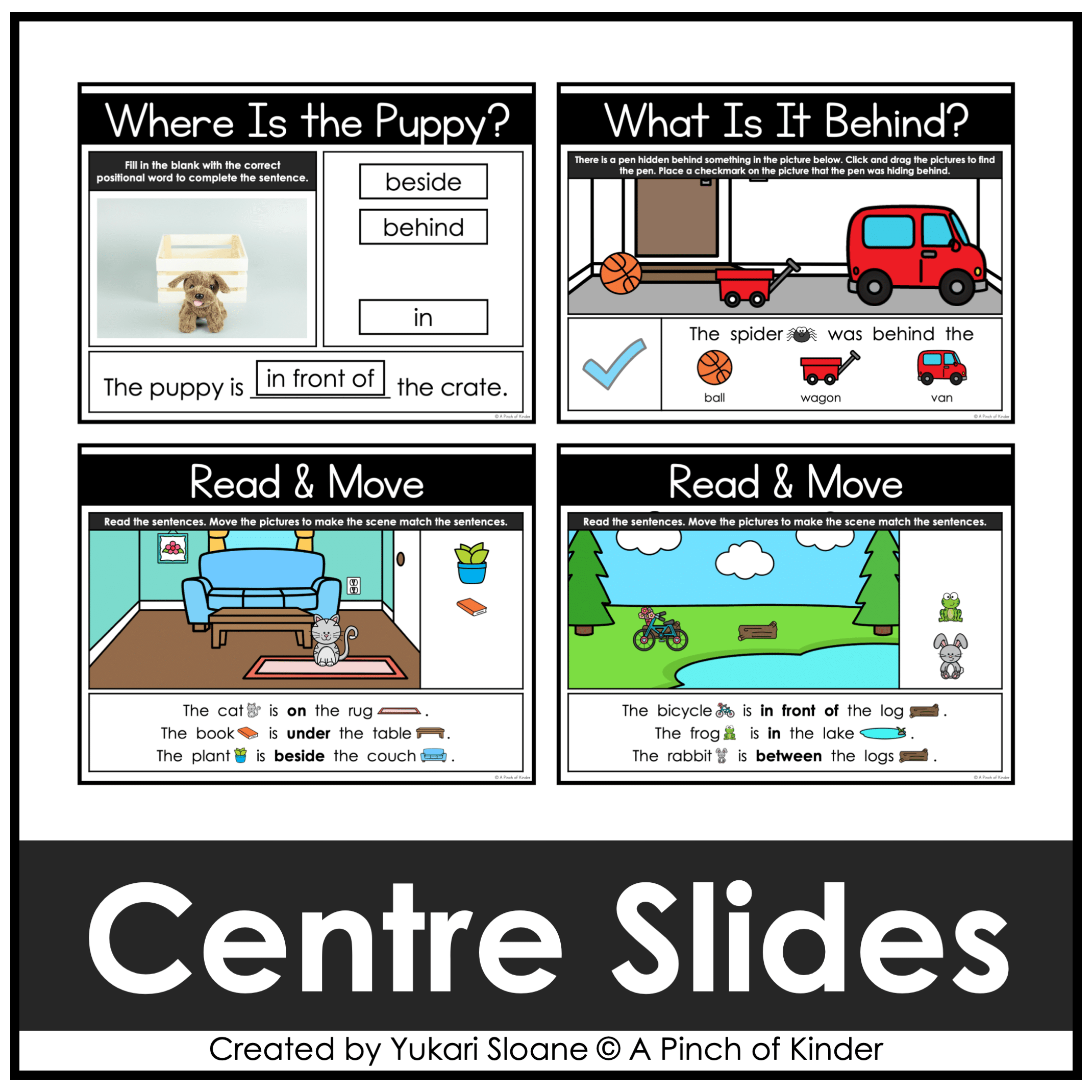
⭐ Where Is the Puppy? (Slides 9–15)
Students:
- Look at the image
- Read or listen to the sentence
- Fill in the blank with the correct positional word
⭐ What Is It Behind? (Slides 16–18)
Students:
- Search for a hidden object
- Drag objects to reveal what is behind
- Identify where the object was hiding
⭐ Read & Move (Slides 19–25)
Students:
- Read simple sentences
- Move objects to match the description
- Build scenes using positional language
🧭 Movement & Direction
⭐ Lesson Slides: Movement Words (Slides 26–32)
Introduce and teach:
- How we describe movement
- Key movement words: forward, backward, left, right, towards, away
- Movement through modeling and demonstration
Includes interactive “watch and do” opportunities to build understanding through action.
⭐ Simon Says: Movement Practice (Slides 33–39)
Students:
- Follow movement directions
- Practice listening and responding to positional and movement language
- Engage in whole-body learning
Perfect for whole-group engagement and reinforcing direction-following skills.
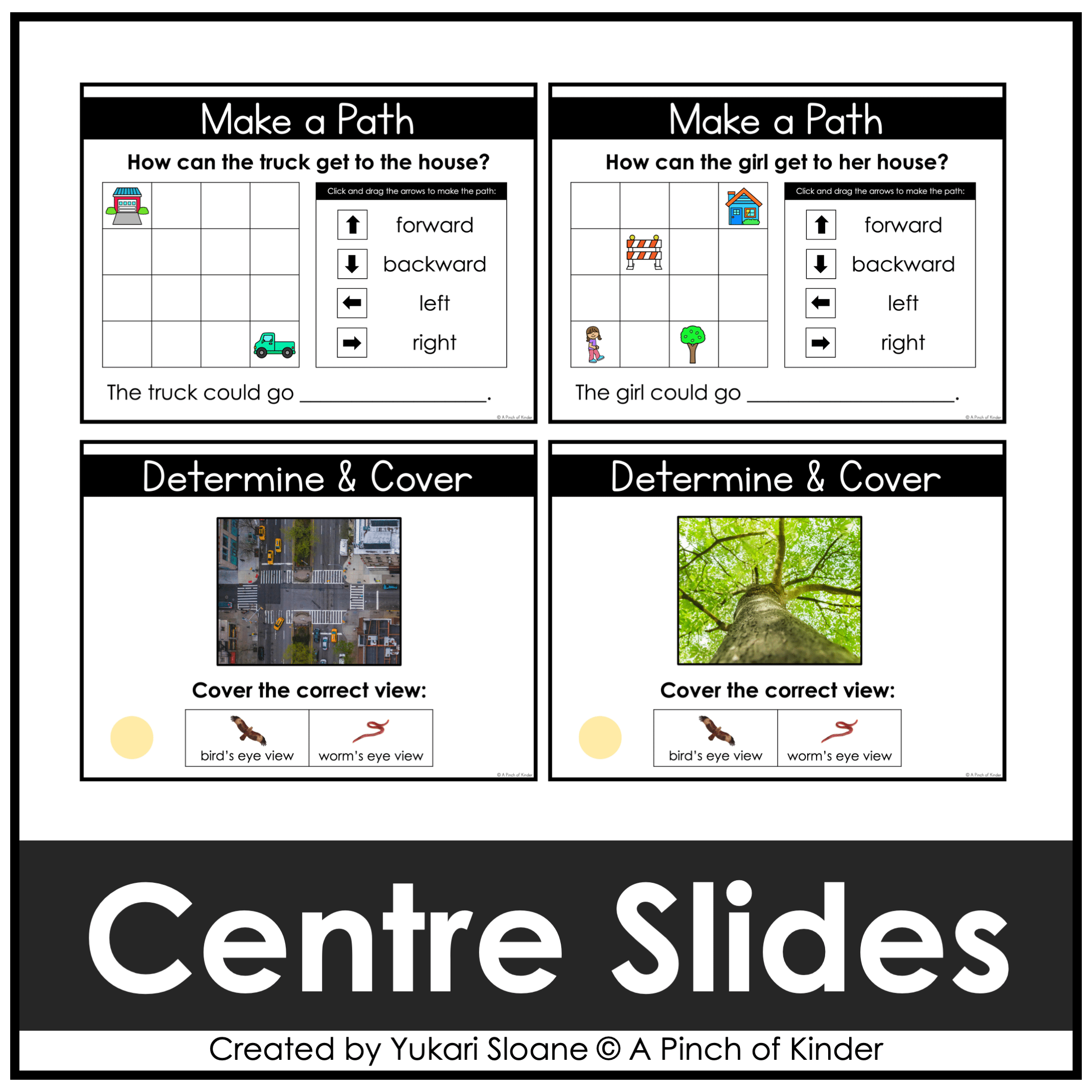
⭐ Direction & Position Practice (Slides 40-54)
Students:
- Show use movement words and arrows to get from one point on a grid to another.
- Gradually gets more challenging starting with no obstacles, then one obstacle and finally two obstacles
For whole group and follow-up centre practice.
🧭 Perspective & Spatial Thinking
⭐ Perspective Slides (Slides 55-63)
Students:
- Explore different viewpoints (e.g., bird’s-eye view vs. worm’s-eye view)
- Look at how objects appear from different perspectives
- Build early understanding of spatial awareness and visualization
⭐ Determine & Cover (Slides 74-69)
- Simple follow-up activity to reinforce bird’s-eye and worm’s-eye view
- Students click and drag to cover the correct view
Positional Words Covered:
- above
- in
- under
- between
- on
- beside
- near
- far away
- behind
- in front of
Skills Students Develop:
- Understanding positional language
- Describing movement and direction
- Following and giving directions
- Identifying left and right
- Understanding perspective (bird’s eye vs. ground view)
- Building spatial reasoning
This Digital Unit Builds the Foundation For:
→ Geometry and spatial sense
→ Mapping and coding activities
→ Direction-following and problem solving
→ Mathematical communication
Why Teachers Love This Resource:
✔ No prep — just assign or project
✔ Engaging drag-and-drop format
✔ Covers positional words, movement, direction, AND perspective
✔ Builds strong spatial reasoning skills
✔ Encourages active participation and movement
✔ Works for in-person OR digital classrooms
✔ Ontario-aligned
Curriculum Alignment (Ontario 2026)
This resource is aligned with the 2026 Ontario Kindergarten Math Curriculum, including:
- Positional language
- Movement and direction language
- Perspective and spatial awareness
Tech Tips:
- Use in EDIT mode (not Present mode) so movable pieces work
- If assigning in Google Classroom, students using iPads/tablets must have the Google Slides app installed
- You can also download the slides as a PowerPoint file to use on a SMARTBoard
Try Before You Buy!
Not sure if this format works for you?
Grab my FREE Digital Math for Kindergarten | Tally Marks | Google Slides™ to try it for free first.
Only logged in customers who have purchased this product may write a review.



Reviews
There are no reviews yet.